

You ask an agent to fix a failing test. It finds the relevant code, changes a function, runs the test and reports success. Good start. Then you open the diff and discover it also relaxed the assertion that caught the bug.
That is the awkward part of choosing a coding agent. A convincing answer and a passing test are easy to notice. Whether the tool understood the job takes more work to establish. The interface matters too. You might want to follow every edit in your editor, leave a task running on another machine, or compare two approaches without mixing their changes.
This guide covers 36 tools you will encounter while making that choice. Some run the agent itself. Others put an interface around an existing agent, or bundle generation with application hosting. We explain those differences before getting into the individual products, then work through model access, costs and a practical evaluation you can run on your own repository.
We build OpenChamber, which appears in the list. That gives us a particular interest in tools for managing agent sessions and reviewing their work. It also gives us a conflict of interest. This is a sourced product guide, not an independent benchmark or a ranking.
Product information was reviewed on 14 September 2026. The links in each profile lead to the project’s documentation, repository or pricing page. Read them before purchasing, especially when the decision depends on a particular plan or integration.
What to know before comparing tools
- Choose the workflow first. An editor, a terminal agent and a hosted app builder can all write code, but they ask you to change different parts of your working day.
- Separate the program from the model. A free client can call an expensive API. A desktop application can send repository content to a remote service.
- Check the exact combination you intend to use. A client may support an agent without exposing every model, permission setting or feature that agent offers in its own terminal interface.
- Budget for reviewing the result. An agent that finishes quickly but leaves an hour of cleanup may be a poor fit for your repository.
- Read maintenance notices. Continue is no longer actively maintained, and Windsurf’s editor now ships as Devin Desktop. The details and sources are in the product changes section.
All 36 agents at a glance
Use this as a directory. Each product name links to a profile with sources and more detail. The categories describe the workflow we discuss here; several products also belong in other categories. Alphabetical order within a group does not imply a recommendation.
| Tool | Group | What to compare |
|---|---|---|
| CodeNomad | Cockpit | A workspace for OpenCode sessions |
| Conductor | Cockpit | Parallel agent workspaces and review on macOS |
| OpenChamber | Cockpit | OpenCode sessions, code review and remote access |
| OpenClaw | General-purpose agent | Coding work within a broader personal assistant |
| Orca | Cockpit | Multiple coding agents in a shared interface |
| Paseo | Cockpit | Continuing local agent sessions from another device |
| T3 Code | Cockpit | A common interface for supported coding agents |
| Aider | Terminal | A focused editing conversation with Git integration |
| Amp | Terminal and cloud | Delegated work with vendor-managed agent behaviour |
| Claude Code | Terminal | Claude working through repository tools and commands |
| Codex CLI | Terminal | Local Codex sessions and configurable execution controls |
| Crush | Terminal | An interactive terminal client with provider choice |
| Goose | Terminal and desktop | Extensible agent workflows beyond code editing |
| OpenCode | Terminal | A client/server agent with configurable providers |
| OpenHands | Agent platform | Local and hosted execution with configurable environments |
| Pi | Terminal | A small coding agent you can extend |
| Qwen Code | Terminal | Qwen-oriented coding with configurable providers |
| Antigravity | IDE | Google’s environment for directing agent work |
| Cursor | IDE | Editing and agent work in one product |
| Devin Desktop | IDE | The editor formerly called Windsurf |
| Kiro | IDE | Requirements, design and implementation through specs |
| Trae | IDE | Interactive editing and delegated building workflows |
| Zed | Editor | Built-in model access and external agent connections |
| Cline | Extension | An agent inside your editor with provider choice |
| Continue | Extension | Existing configurable setups, with a maintenance caveat |
| GitHub Copilot | Extension and platform | Agent work connected to GitHub and supported editors |
| Kilo Code | Extension and platform | Configurable agents, model access and cloud services |
| Augment Code | Agent platform | Codebase context across editor, CLI and remote work |
| Blitzy | Cloud agent | Larger implementation projects and enterprise deployment |
| Devin | Cloud agent | Delegating repository work in a managed environment |
| Factory Droid | Agent platform | Agent workflows across development environments |
| Jules | Cloud agent | Asynchronous work on connected GitHub repositories |
| Bolt.new | App builder | Building and publishing applications in the browser |
| Lovable | App builder | Application generation with managed integrations |
| Replit Agent | App builder | Generation, development and hosting in one environment |
| v0 | App builder | Interface generation and full-stack application work |
What is an AI coding agent?
A coding agent uses a language model to choose actions, then feeds the results of those actions back into the next decision. It might search for a function, edit its callers, run a test and use the failure output to decide what to try next. The available tools and permissions determine how much of that sequence it can perform.
The word “agent” does not promise that the job will finish, that the result will be correct, or that the program will work without supervision. It describes a way of operating. You still provide the goal through a prompt, and you can intervene during the work.
| Mode | Typical interaction | Your part |
|---|---|---|
| Autocomplete | Suggests code while you type | Accept or reject the suggestion |
| Chat | Explains code, answers questions or proposes a patch | Evaluate the answer and decide what happens next |
| Agent | Uses tools, observes their results and chooses further actions | Set the scope, grant permissions and review the work |
These modes overlap. An editor can offer all of them, and a chat interface can gain tools. The useful question is what the selected mode can actually do to your files and services.
Consider a request to rename a configuration field. Finding and replacing its spelling is the easy part. A useful agent also needs to discover where the field is serialized, whether existing users need a migration, which tests describe the old behaviour and whether the documentation now contradicts the code. A larger context window does not settle those questions by itself.
You will see the word harness in product discussions. Here it means the software around the model that manages tool calls, conversation state and execution. We usually call it the agent runtime. Its defaults matter: which files it reads, how it handles a failed command, when it asks for approval and what it does when it runs out of context.
MCP, the Model Context Protocol, connects AI applications to external tools and data. A configured MCP server might expose issue search or database queries. It does not determine whether an agent should use those tools or what credentials they should receive. MCP introduction.
ACP, the Agent Client Protocol, addresses a different connection: communication between an editor and a coding agent. It helps explain why an editor can offer several external agents without implementing a separate interface for each one. Support still depends on the client and agent versions. ACP introduction.
The six types of coding agent
The six groups below are a reading aid. They are not a formal taxonomy, and they are not mutually exclusive. For example, an agent that began in the terminal may also have a desktop client and cloud execution.
| Group | What you work with | The tradeoff to investigate |
|---|---|---|
| Cockpits and orchestrators | Sessions, projects, diffs and often several underlying agents | Which runtime features the interface exposes, and how it separates concurrent work |
| Terminal agents | A coding conversation next to your shell and repository | Execution permissions, context management and provider configuration |
| IDEs and editors | Code navigation, manual editing and agent work in one application | Whether the editor and its extension ecosystem fit your existing work |
| Editor extensions | Agent tools inside an editor you already use | Feature differences between supported editors and extension versions |
| Cloud agents and platforms | Tasks that can run in a separate development environment | Environment setup, credentials, cancellation and the handoff to review |
| App builders | A generated application with preview and deployment services | Supported stacks, export paths and the ongoing cost of running the application |
The groups can complement one another. You might use a terminal agent for a small fix, a cockpit to compare two implementations, and a cloud agent for a longer migration. That is useful only if moving between them costs less effort than it saves.
OpenClaw is a deliberate exception to the coding focus. It is a general-purpose assistant that can participate in development workflows. We include it because readers encounter it alongside coding tools, but its broader access and purpose deserve separate consideration.
How to read the profiles
The discussion figures in the profiles come from our internal research. See Methodology and limitations for the sampling methods and how to interpret the counts.
Each profile explains the working model, a few concrete capabilities and the cost or limitation most relevant to trying it. Sources establish documented availability; they do not establish success rates. We did not run a controlled comparison across all 36 tools.
A licence applies to particular code. It does not automatically cover the vendor’s hosted service, model weights, plugins or enterprise additions. Likewise, “runs locally” refers to execution location unless the profile explicitly discusses local inference.
Prices are in US dollars where quoted. Monthly billing and the monthly equivalent of an annual commitment are different offers. Free software, a free service allowance and a free trial are also different things. Where the public evidence does not support a dependable number, we link the pricing page instead of inventing one.
Cockpits and orchestrators
A good agent can still leave you juggling terminals, branches, approval prompts, and half-finished conversations. These tools organise that work. Most run an existing agent underneath and add session management, parallel workspaces, or remote access around it. OpenClaw is the exception here, a broader assistant platform with a different approach to starting and supervising tasks.
The useful distinction is where each tool puts the boundary. Some commit to OpenCode. Others manage several agent runtimes. Some keep work on your computer; others offer cloud execution too. A phone app usually controls a process running elsewhere, so the host still needs to be available.
CodeNomad

Neural Nomads · OpenCode workspace · MIT · macOS, Windows, Linux, self-hosted browser access
CodeNomad is built specifically around OpenCode. Its workspace manages multiple instances and sessions, with Git worktrees, a file browser, notifications, and voice input. You install OpenCode separately. That dependency matters if you are comparing it with a tool that lets each session choose a different agent runtime.
One useful detail is SideCars. These let you open a local web service in a CodeNomad tab, such as a development preview, a browser-based editor, or a terminal. If your normal routine involves an agent conversation beside a running app, that is a concrete reason to look beyond the terminal UI. Desktop builds are available for the major operating systems, and server mode gives you browser access to a machine running CodeNomad. The project labels its Tauri desktop shell experimental. CodeNomad repository and setup.
The software is free under the MIT licence. Model access still comes through your OpenCode configuration, with any provider charges that entails. For an evaluation, open a real project and try returning to a session after switching projects. Session management earns its keep in that ordinary moment.
Our internal discussion sample records 11 posts mention it by name.
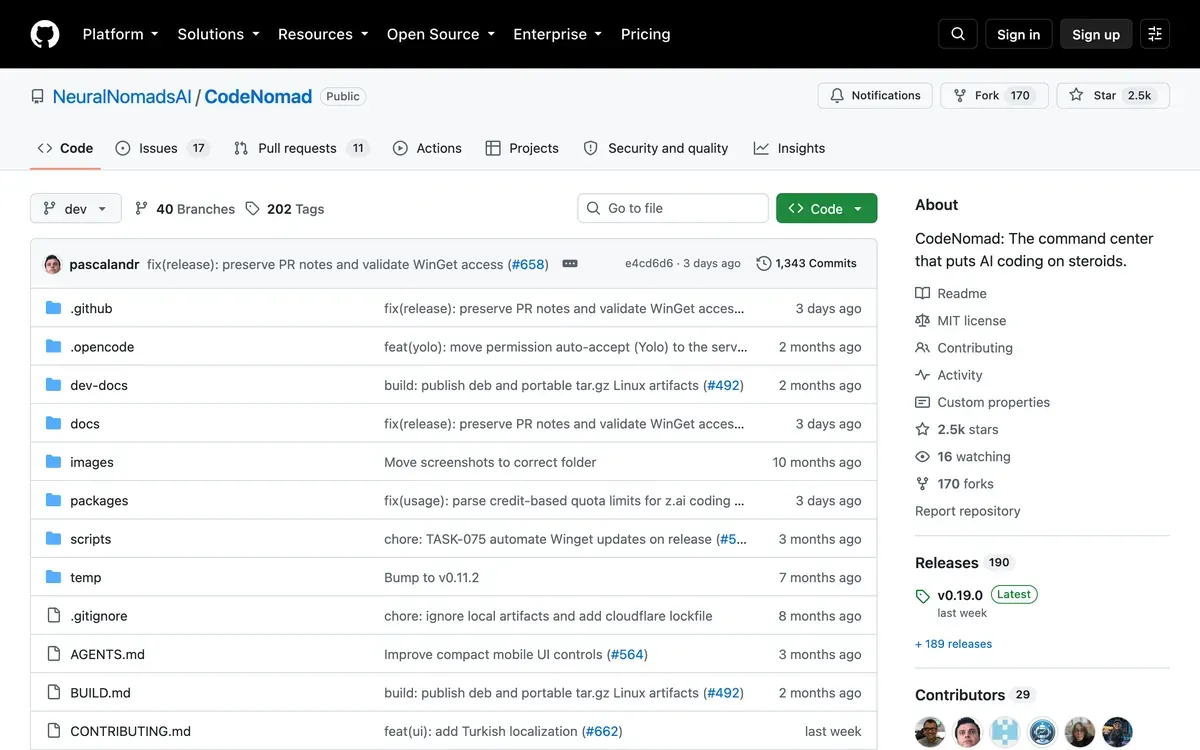 CodeNomad’s repository page.
Conductor

Conductor · parallel-agent workspace · proprietary · macOS, with paid cloud workspaces
Conductor organises repositories into workspaces where agents can work independently. It currently supports Claude Code, Codex, Cursor, and OpenCode. Claude Code, Codex, and OpenCode come bundled; Cursor connects through the Cursor API. Around those runtimes, Conductor provides terminals, diffs, checks, and pull request workflows. Supported runtimes and account setup.
That makes the comparison with an editor more interesting than a feature checklist suggests. Imagine one task updating an API handler while another changes its caller. Separate workspaces help keep the edits apart while both agents run. You still need to reconcile their assumptions when combining the changes. Parallel execution removes the wait between tasks; it does not remove the review at the end.
Local workspaces are free. The published Pro plan is $50 per month and adds cloud workspace hours, collaboration, and API access. Teams is $60 per user per month, with centralised billing and administration. Enterprise pricing is custom. Those are Conductor charges; the underlying agent usage is billed separately through the relevant provider. The pricing page does not specify a fixed cloud-hour allowance, so confirm that detail before comparing its total cost with a machine you already own. Conductor pricing.
Our internal discussion sample records 1,302 posts mention it by name, but “conductor” is an ordinary English word and the figure is inflated by homonyms.
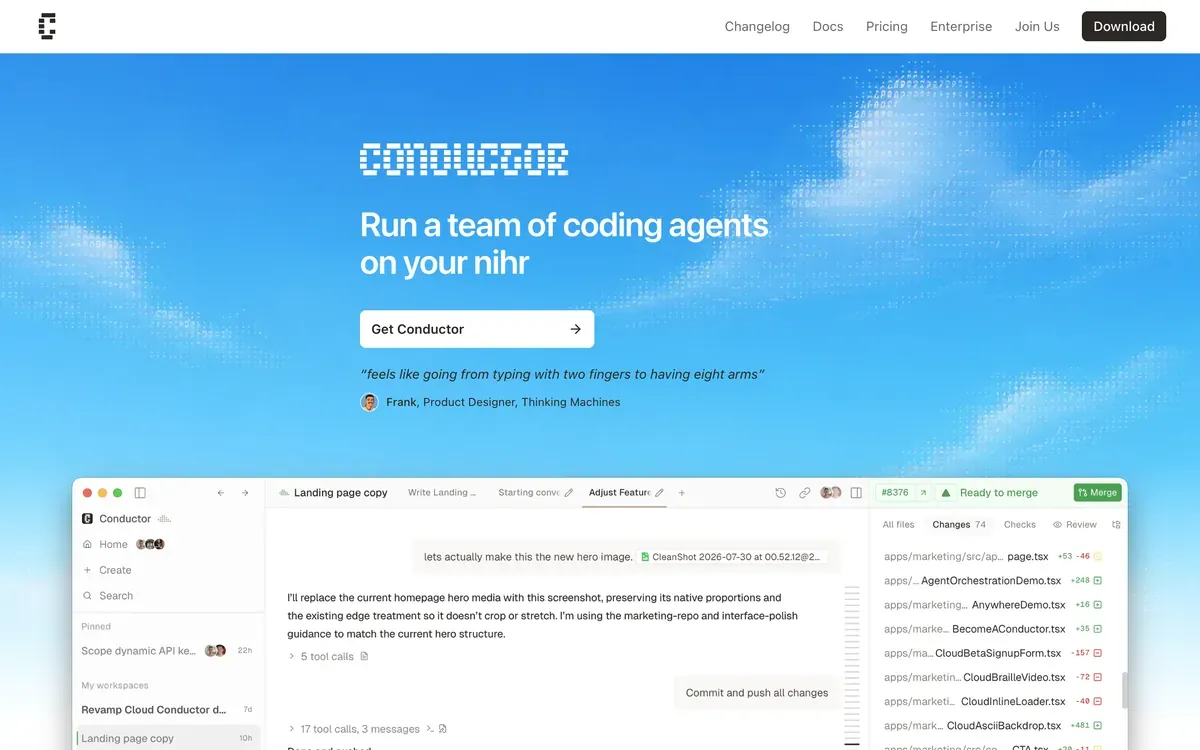 Conductor’s product page.
OpenChamber

OpenChamber · OpenCode workspace · MIT · desktop, VS Code, web/PWA, iOS and Android
We build OpenChamber. It appears here because it belongs in this category, and that relationship should be clear before you read our description.
OpenChamber uses OpenCode to run agents and adds the workflow around their sessions. Multi-run sends the same prompt to up to five models. Each gets a separate session, and you can enable worktree isolation to give each run its own files and branch. Isolation is optional and requires a Git repository. This is useful when you want competing implementations of the same task, then want to inspect the actual changes before choosing one. Multi-run guide.
Other parts address the work after a prompt. Changes Walkthrough groups a diff into an explained sequence. Preview lets you point at an element in a running app and attach visual and browser context to the conversation. GitHub integration brings issues, pull requests, failed checks, and review comments into sessions. Scheduled prompts and Session Goals can keep work moving on a host that remains running. OpenChamber capabilities.
Desktop, VS Code, browser, and mobile clients provide different ways to reach that work. Desktop bundles OpenCode; the CLI/web and VS Code setups use an installed OpenCode CLI. Hosting the workspace yourself gives you control over where it runs, but hosted model requests still go to the provider you configure. The software is MIT-licensed and free; model and hosting costs remain yours. Installation and architecture.
Our internal discussion sample records 433 posts mention it by name.
 OpenChamber’s product page.
OpenClaw

OpenClaw Foundation · self-hosted assistant platform · MIT · macOS, Windows, Linux, browser and messaging clients
OpenClaw starts with a different question. What if you could send work to an assistant through the chat apps you already use? Its gateway runs on your computer or server and connects channels such as Telegram, WhatsApp, Discord, and Slack to agents. It also has a browser control panel, session routing, memory, plugins, and scheduled automation. The project is maintained by the independent OpenClaw Foundation and is free under MIT. OpenClaw overview.
That broader scope is why it sits at the edge of this category. A message can start coding work without opening a development environment, but a chat channel does not by itself give you a good way to inspect a large patch. If your main need is reviewing changes across several branches, evaluate that workflow directly before treating OpenClaw as interchangeable with a dedicated coding workspace.
Its memory is concrete and inspectable. OpenClaw saves preferences and longer-term notes in Markdown files in the agent workspace, then loads or retrieves that material for later sessions. Those notes can preserve an instruction, but they do not enforce permissions. Configure which agent receives a message and which tools it can use separately. Memory documentation.
There is no software subscription in this self-hosted setup. Budget for the model provider and the machine running the gateway.
Our internal discussion sample records 2,513 posts; 70% contain a complaint. The internal dataset records more discussion of OpenClaw than of the dedicated cockpits in this list.
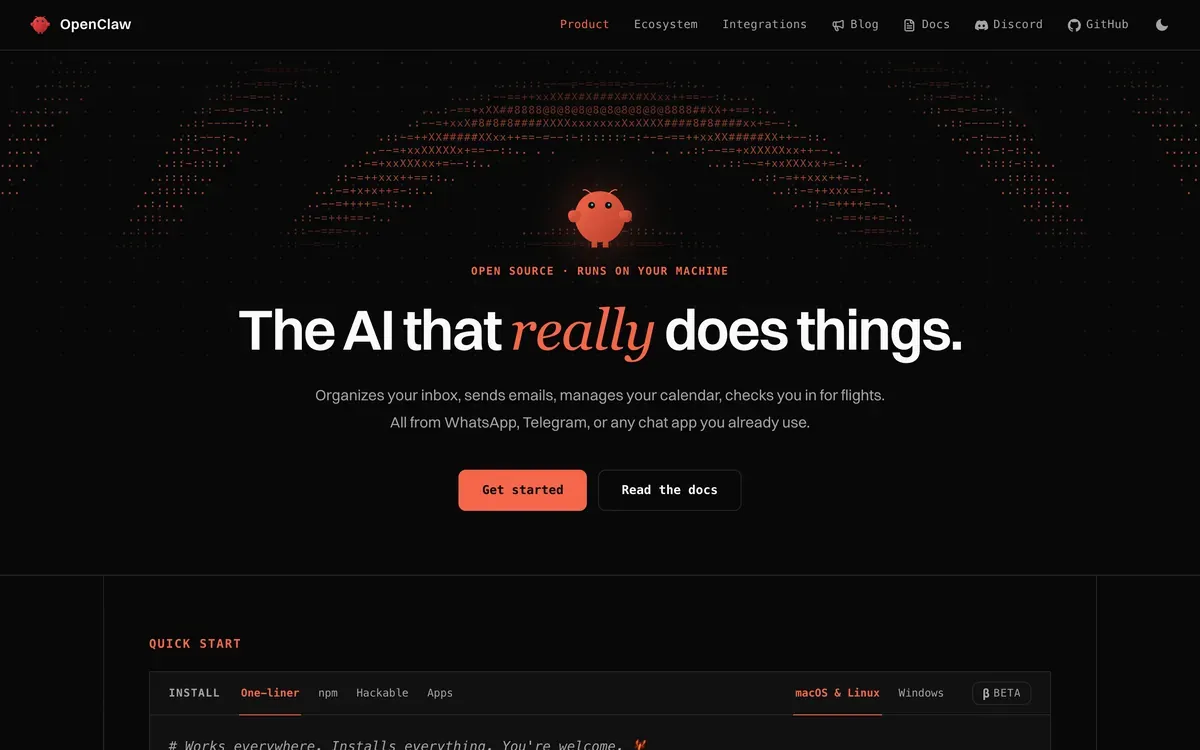 OpenClaw’s product page.
Orca

Stably · parallel-agent development environment · MIT · macOS, Windows, Linux, iOS and Android companions
Orca puts agent terminals, worktrees, a file editor, diffs, and a browser in one application. Its agent picker includes established coding CLIs, and you can add another CLI yourself. Desktop apps run on macOS, Windows, and Linux; mobile companions connect you to work away from the desk. Remote workspaces can also run over SSH. Orca product overview.
The depth of integration varies by agent. A CLI that launches successfully is not necessarily as well integrated as one with usage tracking, account switching, and status hooks. Orca’s supported-agent table makes those differences explicit, which is more useful than a single count of compatible tools. Check the row for the agent you actually use. Supported agents.
There is also a consequential default to inspect before your first task. Orca documents that it pre-fills permission-bypass arguments for supported agents. You can switch uncustomized agents to Manual mode in settings or change individual launch arguments. A Git worktree separates file changes; it is not a security sandbox for shell commands. That distinction matters when you add an unfamiliar CLI or let agents run unattended. Agent permission defaults.
Orca is free and open source under MIT. You bring the subscriptions or credentials for the agents it launches. The appeal is having several different CLIs in a common workspace, provided their individual integrations cover the controls you need.
Our internal discussion sample records 247 posts mention it by name; the name is a common word, so the figure is inflated by homonyms.
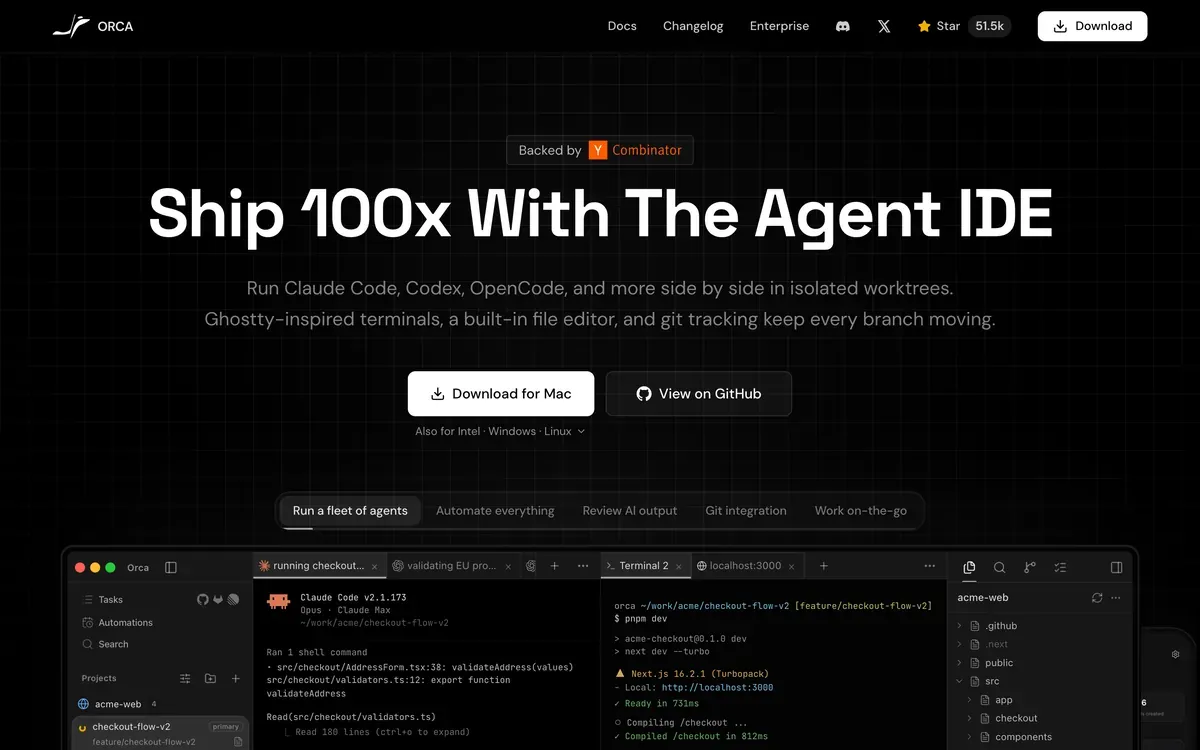 Orca’s product page.
Paseo

Paseo · remote agent workspace · Apache 2.0 · macOS, Windows, Linux, iOS, Android, web and CLI
Paseo runs an agent-management daemon on your machine, then lets desktop, mobile, browser, and CLI clients connect to it. The agent uses the tools and configuration on that host. Closing a client and stopping the host are different events, a useful distinction if you want to leave a task running and check it from your phone. Paseo architecture.
It supports Claude Code, Codex, OpenCode, Pi, and other agents, with additional integrations through the Agent Client Protocol. Paseo also exposes orchestration tools so one agent can launch another, split tasks, exchange messages, and collect results. Those built-in tools are off by default and need to be enabled for the host. Agent support and orchestration setup.
Remote access can use an optional end-to-end encrypted relay. Pairing exchanges the information clients need to connect; the relay carries encrypted traffic and still sees connection metadata such as IP addresses and message sizes. Relay access starts disabled. You can instead use a direct connection or your own network setup. This protects the client-to-host connection, while the coding agent continues to make its normal provider requests. Paseo security model.
Paseo is free under Apache 2.0, with your own agent credentials. It is particularly relevant when the machine doing the work and the device in your hand are often different. Licence and provider billing.
Our internal discussion sample records 19 posts mention it by name. It was also the most-named third-party cockpit in our 408-person user survey, a different sample and a different question from the mention scan.
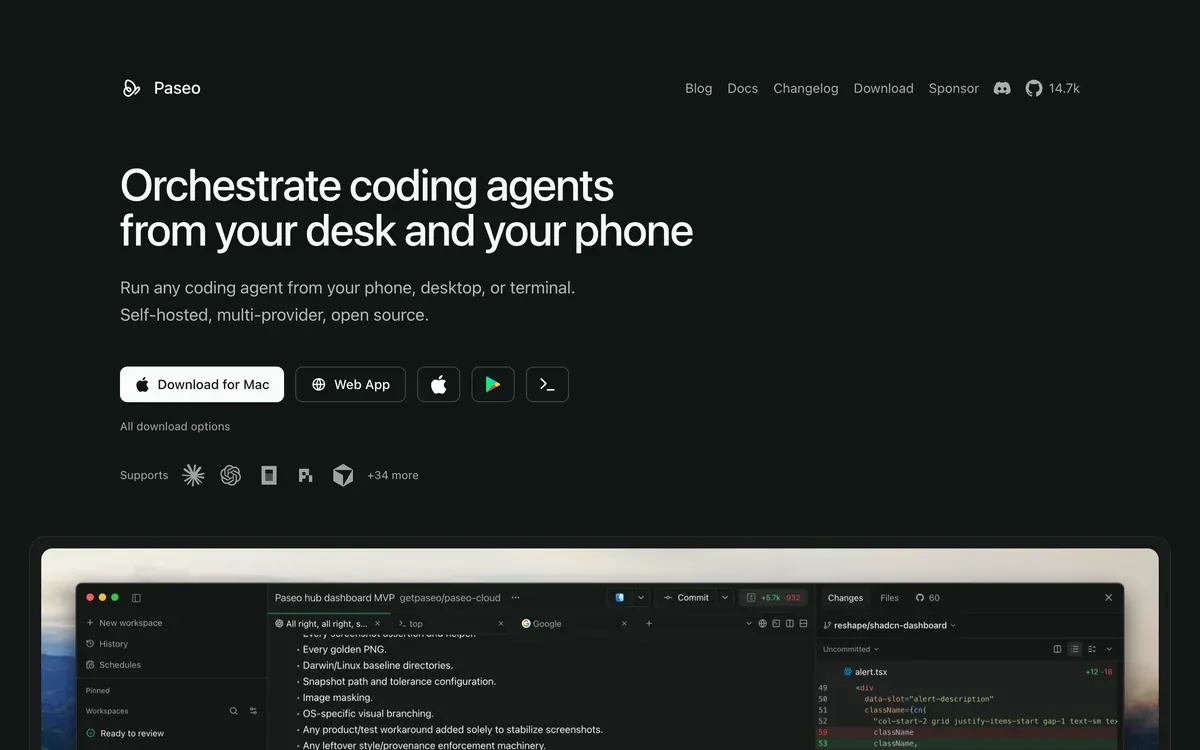 Paseo’s product page.
T3 Code

T3 Tools · agent workspace · MIT · macOS, Windows, Linux, web, iOS and Android
T3 Code controls agents running on your machine through desktop, web, and mobile clients. Its documented integrations include Claude Code, Codex, Cursor, Grok Build, OpenCode, and Google Antigravity. Most require the corresponding agent to be installed and authenticated first; Antigravity has a setup flow inside T3 Code. You can also run its local server without installing the desktop app. T3 Code setup and supported agents.
This is a more specific proposition than “one window for AI coding.” It gives several existing agent accounts a shared application, and it lets you reach the host from another device. If you already move between agent CLIs, try the same review task in each integration. The useful test is whether the app exposes the context, permissions, and changes you need, including when an agent stops halfway through a job.
T3 Code is free under MIT, and model access uses your provider accounts. Its maintainers describe the project as early and explicitly tell users to expect bugs. Take that as a reason to test session recovery and your normal source-control workflow before relying on it for a long unattended run. Project status and documentation.
Our internal discussion sample records 60 posts mention it by name.
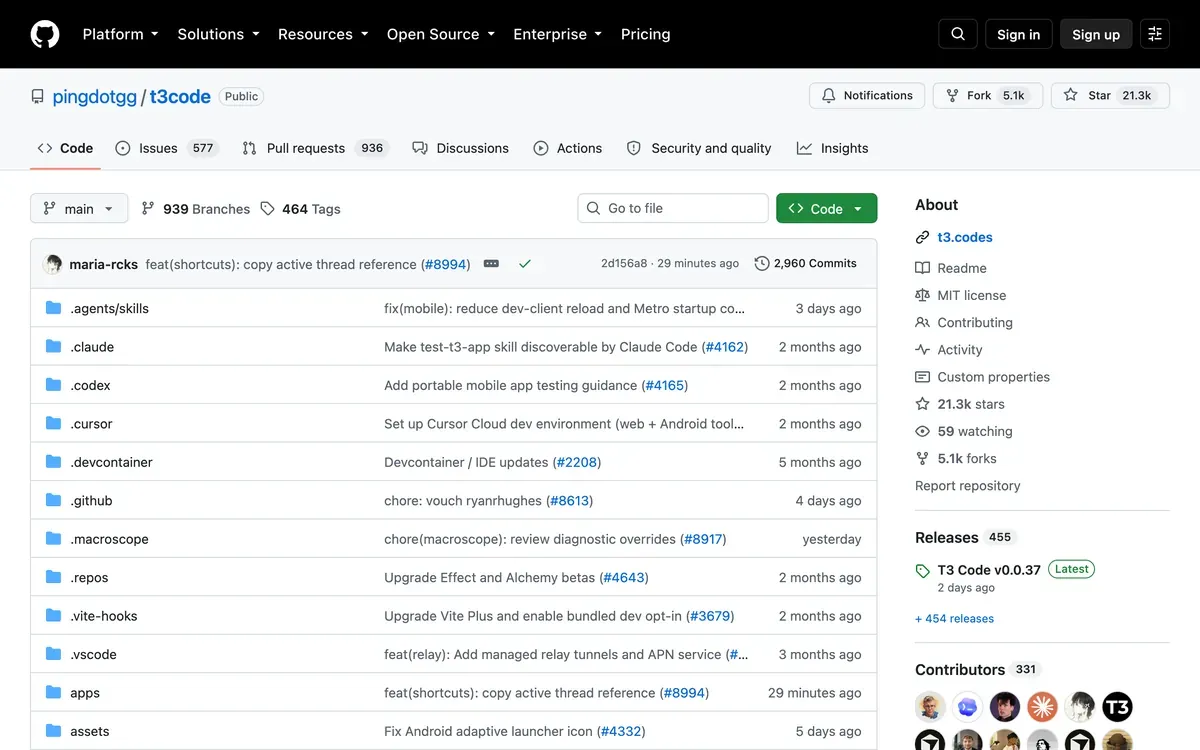 T3 Code’s repository page.
Terminal agents
These tools work where your build commands and repository already live. You describe a change, watch the agent inspect files and run commands, then review its patch. Some also have desktop or cloud clients. The useful distinction is how much they decide for you, how you choose models, and how easily you can interrupt or repeat the work.
Aider

Aider is a terminal coding assistant built around an explicit conversation about files. Its repository map summarises relevant definitions and relationships so the model can find its way around code you have not added to the chat. That is a practical approach to a familiar problem: the file you want to change depends on several others, but pasting the whole repository would waste context. Repository map documentation.
Git is part of the interaction. Aider normally commits its edits and has /diff and /undo commands for inspecting or discarding its last change. Automatic commits are optional. Use --no-auto-commits if you want to review changes before making a commit yourself. Its handling of existing dirty files also deserves attention, since the default can commit your earlier edits before applying its own. Git integration.
That makes Aider worth considering for deliberate, conversational changes where you want to stay close to each patch. Try a small refactor across related files and see whether its context selection matches how you understand the code. Its documentation covers hosted and local models, image input, voice input, and running tests. The software is free; model access has its own cost. Aider documentation.
Our internal discussion sample records 2,304 posts; 63% contain a complaint.
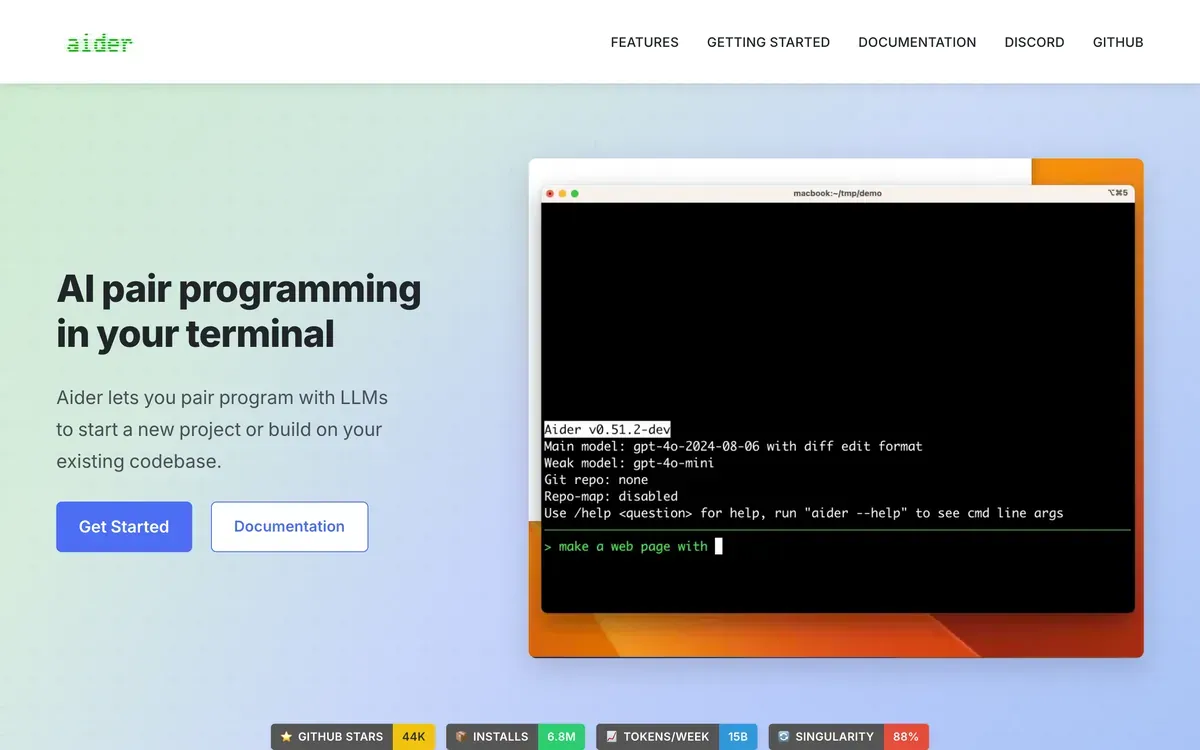 Aider product page.
Amp

Amp combines a terminal agent with cloud machines it calls orbs. Each orb belongs to a thread and can keep working when your laptop is closed. You can follow the same work through the web, CLI, or its Apple apps. The product uses multiple models, with Amp deciding how different parts of the job should run. Its own documentation is unusually direct about changing that behaviour as models improve. Amp introduction.
The appeal is continuity. A task that needs a long build or several rounds of testing does not have to occupy your local terminal for its entire life. For an evaluation, give Amp a repository with a real setup script and check whether the cloud environment can reproduce your local result. A finished thread is only useful if its patch also works outside that machine.
Amp’s billing separates compute from model access. The Hobby tier lets you use your own runners or pay for orbs. The Individual Megawatt tier lists $20 per month with an allocation of orb time. Model tokens come through supported subscriptions or your own keys, so those minutes should not be read as an included model-token budget. Amp pricing.
Our internal discussion sample records 147 posts, with a count inflated by matches to the ordinary English word.
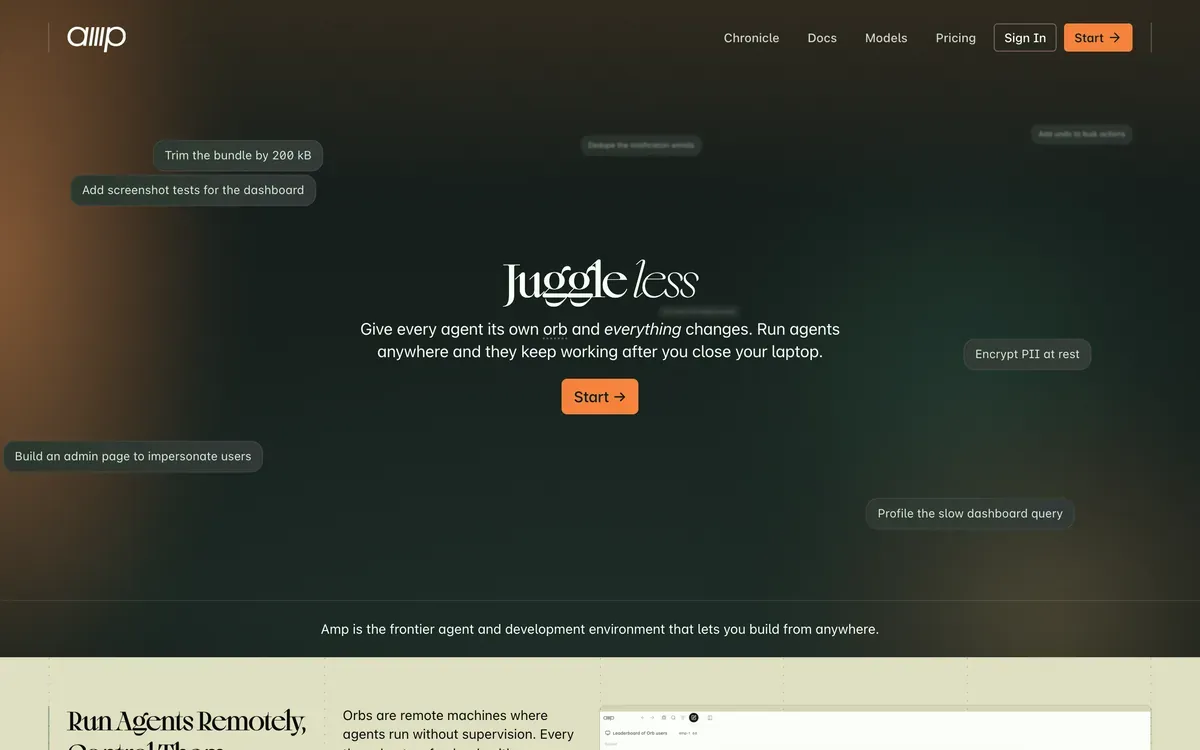 Amp product page.
Claude Code

Claude Code is Anthropic’s coding agent for the terminal, with related IDE, desktop, and browser interfaces. It can inspect a repository, change several files, run tests, and use the failures to continue the task. Project instructions in CLAUDE.md and support for parallel agents make it possible to repeat a workflow without explaining the repository every time. Claude Code overview.
Permissions are configurable. Permission modes, tool rules and sandbox settings determine which operations need approval. A useful first session is to inspect the active mode, ask it to explain a change, and then let it implement a small part. You learn both how it works and where it pauses. Permission configuration.
The product is a sensible candidate when you want Claude integrated with your development tools and project conventions. Evaluate the whole loop, including the quality of the final diff and whether it runs the relevant checks. Access depends on the interface and account type, with Claude subscriptions, Anthropic Console billing, and supported third-party providers available in different contexts. A free Claude chat account should not be treated as proof of included coding usage. Access options.
Our internal discussion sample records 33,239 posts; 75% contain a complaint. Most praised for code quality and large-codebase handling; the most common complaints are cost and limits, reliability, and documentation.
 Claude Code product page.
Codex CLI

Codex CLI runs OpenAI’s coding agent against a local repository. It reads files, edits code, and runs installed development tools. You can choose the model and reasoning effort, set permissions, or call codex exec from a script. Its dedicated review command can inspect uncommitted changes, a commit, or a comparison with a base branch without changing the working tree. Codex CLI documentation.
The review workflow is a useful place to start. Ask it to examine a patch you already understand, then compare its findings with your own. That gives you a concrete test of whether it identifies consequential problems or spends its time on cosmetic suggestions. For implementation work, include the validation command in your request and inspect the result yourself.
Codex also has IDE and cloud access, but account-based access and API-key access differ. The official pricing page lists Codex in ChatGPT plans, including Free, with plan-dependent usage. API-key usage is billed at API rates and does not include the cloud integrations. A subscription therefore buys an allowance under that plan, not a fixed number of completed tasks. Codex pricing and access.
Our internal discussion sample records 4,461 posts; 69% contain a complaint. The migration sample records the largest net inflow after OpenCode; its most distinctive complaint is credits running out faster than expected.
 Codex product page.
Crush

Crush is Charm’s terminal coding agent. It supports multiple sessions per project and lets you change models within a session while keeping the conversation. Language servers provide additional code context, and MCP servers add tools. Custom providers can use OpenAI-compatible or Anthropic-compatible APIs. Crush repository.
Those details make it an interesting option if you want to compare models without also changing the interface and project setup. For example, try the same failing test with two providers and inspect what each one changes. Keeping the tool constant will not make that a scientific benchmark, but it can make a personal comparison easier to interpret.
Crush’s licence needs a precise label. It is source-available under FSL-1.1-MIT, which restricts competing commercial uses and grants an MIT licence to each version after two years. Calling the current code simply open source would hide that restriction. Crush licence.
You can use your own model provider. Charm also offers Hyper, a subscription provider with a free tier, as an integrated option. The relevant cost is the model access you choose, not the fact that you downloaded a terminal application. Provider setup.
Our internal discussion sample records 6 posts under a homonym-prone name.
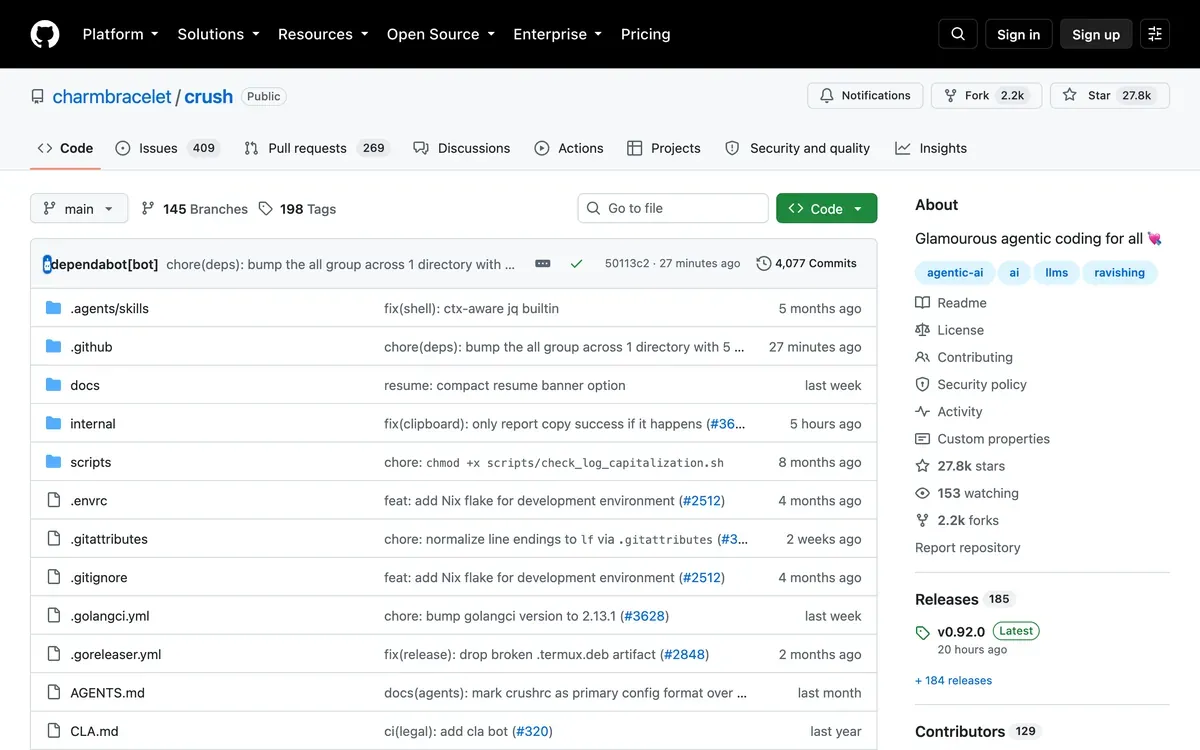 Crush repository page.
Goose

Goose is a general-purpose local agent with a desktop app, CLI, and API. Coding is one use for it, alongside research and automation. The project is part of the Agentic AI Foundation and uses Apache-2.0 licensing. It supports hosted providers and local options such as Ollama, with additional tools connected through MCP extensions. Goose repository.
Its breadth matters when a development task extends beyond source files. A release investigation might involve a repository, build output, and an external service. Goose gives you a place to connect those tools, but each extension still needs suitable access and configuration. Before comparing its coding results with another agent, check what tools you have actually enabled.
A useful trial is a workflow you currently perform by hand across a terminal and another application. Ask Goose to gather the necessary evidence and prepare a change, then inspect both the evidence and the diff. This tests the reason to choose an extensible general agent in the first place.
The application is free software. Hosted model usage follows the connected provider’s billing; running a local model means supplying the machine that runs it. Platform downloads and provider setup are linked from the project’s installation guide.
Our internal discussion sample records 8 posts under a homonym-prone name. That is a small sample for drawing conclusions.
 Goose product page.
OpenCode

OpenCode is an open-source coding agent available through a terminal interface, desktop app, and IDE integration. The documentation walks through planning a change before implementing it, adding project instructions, and undoing a turn. That gives you several ways to work with the same agent without making an editor migration the first step. OpenCode introduction.
Provider choice is a major part of the product. You can configure hosted APIs, local endpoints, and supported subscription connections. There is an important exception to older descriptions: OpenCode’s provider documentation says its Claude Pro/Max subscription plugins are no longer bundled and that Anthropic prohibits that use. Claude model access through an API key is a different arrangement. Check the actual authentication method for the provider you intend to use. Provider documentation.
OpenCode’s Zen service offers a curated model selection with usage-based token pricing. It is optional model access, not a paid licence required to run the agent. Zen documentation and pricing.
We build OpenChamber around OpenCode, so our interest here is practical. When evaluating it, try switching providers on a familiar task and inspect the patch, tool calls, and cost. Support for a model does not guarantee that it will perform well on your repository.
Our internal discussion sample records 7,850 posts; 63% contain a complaint, among the lowest rates we measured on this page. It also shows the largest net inflow of switchers in our migration data. Praise clusters on cost and openness; complaints on setup and configuration.
 OpenCode product page.
OpenHands

OpenHands covers more than a terminal client. Its open-source offering includes a CLI, local web interface, and Software Agent SDK. The current main repository describes Agent Canvas, which can run the OpenHands agent or other compatible agents against local, remote, and cloud backends. OpenHands offerings, Agent Canvas repository.
That breadth makes the runtime choice worth understanding. Agent Canvas can run directly on your machine, or you can configure Docker containers, virtual machines, and other backends. The local quickstart explicitly offers an installation without a sandbox. You should not assume that an OpenHands task always runs inside its own container. Backend and installation options.
OpenHands is particularly relevant when you want to operate agents on a server or embed agent behaviour into another application. An appropriate evaluation goes beyond asking for a code change. Recreate the environment, provide the repository’s dependencies, and check how you retrieve and review the result after the run finishes.
The open-source software uses MIT licensing. OpenHands Cloud has a free Individual tier with bring-your-own-key access or usage-based model billing, while organizational offerings have separate terms. Free access to the interface does not eliminate model or infrastructure costs. OpenHands pricing.
Our internal discussion sample records 241 posts.
 OpenHands product page.
Pi

Pi takes a small, extensible approach to a terminal coding agent. It supports interactive use, scripted output, an RPC interface, and an SDK. You can add TypeScript extensions, skills, prompt templates, and themes, then distribute them as packages. The default product deliberately omits built-in subagents and plan mode; those workflows can come from extensions. Pi product and documentation.
Its session history is more distinctive than a long feature checklist. Conversations form a tree, so you can return to an earlier point and explore another approach while keeping the branches together. You can also switch models during a session. This is useful for investigating alternatives, though conversation branching should not be confused with reverting files in your repository. Pi session history.
Pi is a candidate for developers who want to shape the agent’s behaviour themselves. Try its default workflow before installing a collection of packages. Then add one missing capability and see whether you can understand and maintain it. That is a more revealing test than judging how many features a community wrapper advertises.
The project supports hosted and local providers. Model access, authentication and cost depend on the provider you configure. Pi documentation.
Our internal discussion sample records 74 posts under a homonym-prone name, but it appears in searches that did not exist six months ago and in the fallback answers of experienced users.
 Pi product page.
Qwen Code

Qwen Code is an open-source coding agent from the Qwen project. The terminal client supports multiple API protocols and local model endpoints, alongside MCP, session management, and subagents. The project also offers desktop and editor integrations, so describing it as a Qwen-only command-line tool would miss much of its current scope. Qwen Code repository.
It is worth examining if you want to run Qwen models or compare a hosted service with a model you operate yourself. Keep the evaluation concrete. Use a task with a known test command, record which endpoint and model you selected, and inspect whether the agent recovers when a tool fails. An endpoint accepting a request tells you little about the model’s ability to complete a multi-step change.
The CLI can also run without an interactive session for scripts and automation. That is useful for repeated work, but start with a narrow task whose output you can check before scheduling anything broader. CLI and automation options.
The software uses Apache-2.0 licensing. Model access requires a configured provider and follows its billing or local infrastructure costs. Consult the current authentication guide rather than relying on old posts about account quotas or assuming a free CLI includes free inference. Authentication guide.
Our internal discussion sample records 444 posts, a small English-language presence relative to its release velocity.
 Qwen Code repository page.
IDEs and editor forks
These products put code editing and agent review in the same application. Some also offer terminal and cloud tools. Choose an editor for the work you still do yourself, then evaluate how well it handles the work you delegate.
Antigravity

Google · development platform with app, IDE, CLI and SDK
Google’s Antigravity now includes an app for managing local agents, its own CLI, an IDE and a Python SDK. The app groups conversations into projects and can run agents across several workspaces. The IDE adds code editing and review artifacts such as plans and walkthroughs. These are distinct parts of the Antigravity platform.
That changes the buying question. You might want an editor you work in all day, or an app where you supervise several jobs. Try the part that matches your work before adopting the whole bundle. For a browser-facing task, ask the agent to show the page it changed and explain how it checked the result. A confident completion message tells you less than a reproducible check.
Antigravity CLI and Gemini CLI should not be treated as interchangeable names. Google lists Antigravity CLI as its own product. Gemini CLI has a separate repository and licence, so its release numbers, GitHub stars and quotas do not describe Antigravity.
Google currently advertises individual developer access at no charge and also offers an organization option. Check the product and access information for the edition you intend to use.
Our internal discussion sample records 3,828 posts for Antigravity and, separately, 2,891 for Gemini CLI. Antigravity carries the highest complaint rate we measured anywhere. 85% of posts about it contain a complaint, against a 51% to 75% band for everything else. Its distinctive problems are rate limits, at about 3.7x the market median rate, plus context loss and workflow friction; Gemini CLI’s distinctive complaint is latency, at roughly 1.7x the median.
 Antigravity product page.
Cursor

Anysphere, part of SpaceX · editor, CLI and cloud agents
Cursor combines an editor, autocomplete and an agent that can change several files and run commands. It also offers a CLI and cloud agents that work on their own computers. The editor is useful when you want to alternate between making a small change yourself and handing over a larger task without moving the review elsewhere. Cursor’s product overview.
There is a real distinction between local editing and a cloud job. A local agent works with your development environment. A cloud agent needs an environment where your app can build and run, and returns work for review. When evaluating Cursor, use both on the same modest task. See whether the cloud result includes enough evidence to review without rerunning the entire investigation.
Anysphere is now part of SpaceX. Cursor confirmed the completed acquisition on 14 August 2026. That is an ownership change, not evidence that its coding results improved or worsened. Cursor’s announcement.
Cursor offers free, individual and team plans. Compare included agent usage and additional charges, as well as the subscription price, on the pricing page.
Our internal discussion sample records 17,249 posts, with a count inflated by matches to the ordinary English word; 69% contain a complaint. It shows a net outflow of switchers, and the reason people give most often is price rather than output quality.
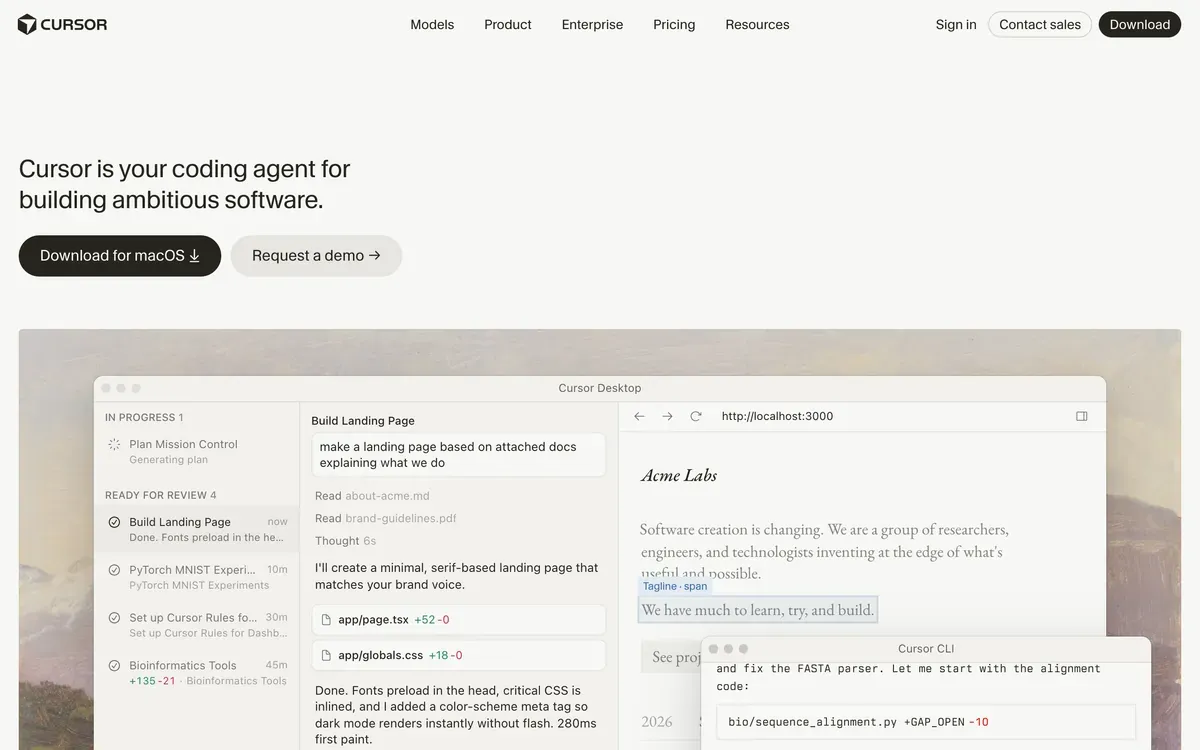 Cursor product page.
Devin Desktop

Cognition · editor and manager for local and cloud agents
Windsurf became Devin Desktop on 2 June 2026. Cognition kept the editor and introduced a board for managing local and cloud agents. Spaces group their sessions, files, pull requests and shared context. The same announcement introduced Devin Local as Cascade’s successor. The September Desktop changelog records Cascade’s removal and directs users to migrate conversations to Devin Local. Cognition’s launch announcement.
The more interesting addition is support for the Agent Client Protocol. Compatible third-party agents can appear alongside Devin in the same workspace. This makes Desktop relevant even if you already have an agent you like and mainly need a place to organise and review its work.
The full IDE remains available for reading code, debugging and making changes yourself. Shared context can reduce repeated explanations, but it does not settle conflicting edits between agents. Give concurrent jobs separate responsibilities and inspect the combined diff before treating them as finished. Devin Desktop overview.
Use the current Devin plans to check access and usage. Existing Windsurf subscriptions and new Devin subscriptions should not be assumed to have identical terms.
Our internal discussion sample records 3,862 posts under the Windsurf name; 73% contain a complaint, and it carries the second-largest net outflow of switchers in our migration data, driven by pricing and quota complaints during its Windsurf period.
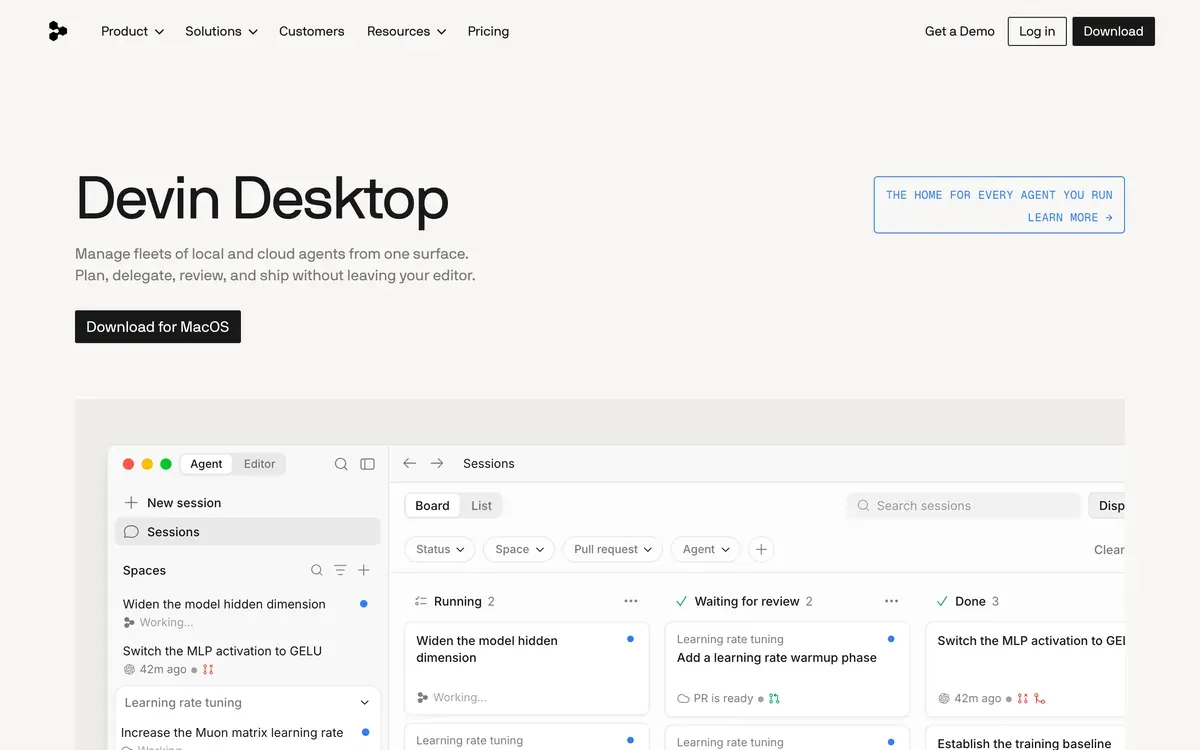 Devin Desktop product page.
Kiro

AWS · specification-driven development tools
Kiro makes the specification part of the development workflow. You work through requirements, design and implementation tasks, then ask the agent to carry them out. Steering files hold project guidance, while hooks run commands or agent prompts in response to events. Kiro overview and hook documentation.
This approach is worth trying on work where an ambiguous requirement can cause expensive rework. Think of a permission system or a migration with several compatibility rules. Read the generated requirements as carefully as the code. A polished specification can still describe the wrong behaviour, and an agent following it faithfully will reproduce that mistake.
AWS directs Amazon Q Developer IDE users to Kiro ahead of the plugins’ end of support on 30 April 2027. The change does not retire Amazon Q in the AWS Management Console or its other unaffected AWS experiences. AWS migration announcement.
Kiro has a free tier and paid plans with usage allowances. Its pricing page explains the current credits and additional usage. A credit allowance is not a guaranteed number of completed features.
Our internal discussion sample records 2,227 posts, under a name that can match unrelated discussion.
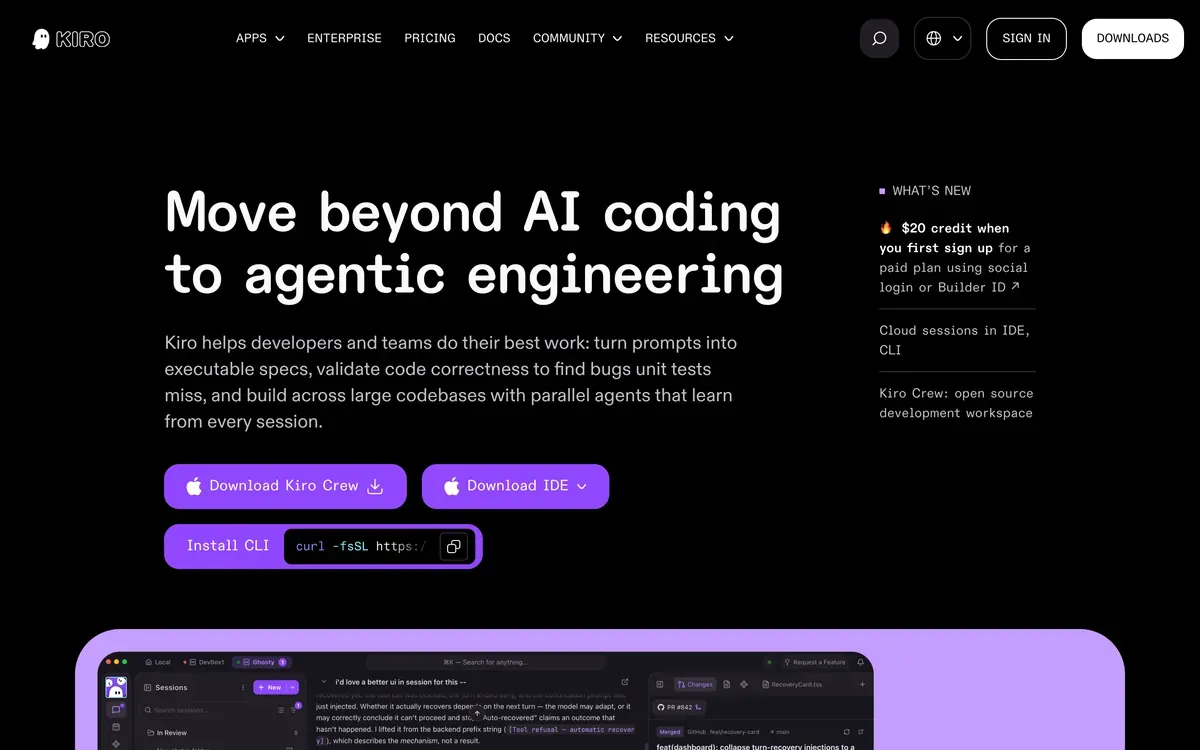 Kiro product page.
Trae

ByteDance · TraeCode coding environment and SOLO agent
TRAE separates its coding product, TraeCode, from the general work assistant TraeWork. Within TraeCode, IDE mode supports interactive coding and SOLO handles longer tasks with tools and agents. Custom agents can have their own tools and skills, and can delegate work to subagents. TRAE product overview.
The distinction between IDE and SOLO is more useful than the promise of an autonomous engineer. For a small bug, you may want to watch the investigation and intervene. For a contained feature, you may prefer to review the plan, leave it running and inspect the result. Evaluate both patterns using a project you understand.
Do not read the TraeWork web option as proof that every TraeCode capability runs in the browser. They are different products. Likewise, access to a particular model or usage allowance should be checked in the plan you are actually buying. The TRAE website links the current downloads and plan information.
For a useful trial, give SOLO a task with a visible result and an existing test command. Judge how it handles a failing check and your corrections. The number of agents it starts is much less informative.
Our internal discussion sample records 758 posts, under a name that can match unrelated discussion. High release velocity, low English-language discussion.
 Trae product page.
Zed

Zed Industries · native editor with built-in and external agents
Zed is a native editor written in Rust, with collaborative editing and agent support. Its Agent Client Protocol integration lets compatible external agents use the editor’s review tools. You can keep an agent you already use while changing the interface around it. Zed and ACP support.
That separation is useful if your editor preference and model preference change at different speeds. It also means an external agent keeps its own authentication, costs and behaviour. Connecting it to Zed does not turn it into a Zed-hosted model.
Zed publishes its source under several licences. Most editor code uses GPL-3.0, while reusable components such as GPUI use Apache-2.0. The distributed application and hosted services also have terms of service. A single licence label cannot describe every part of the offering. Software overview.
Personal is free and supports your own API keys or external agents. Pro costs $10 per month with $5 of hosted tokens, followed by usage billing. Business costs $30 per seat per month and adds administration, without a fixed LLM credit allotment. Check those separate costs before comparing it with a bundled agent subscription. Zed pricing.
Our internal discussion sample records 372 posts.
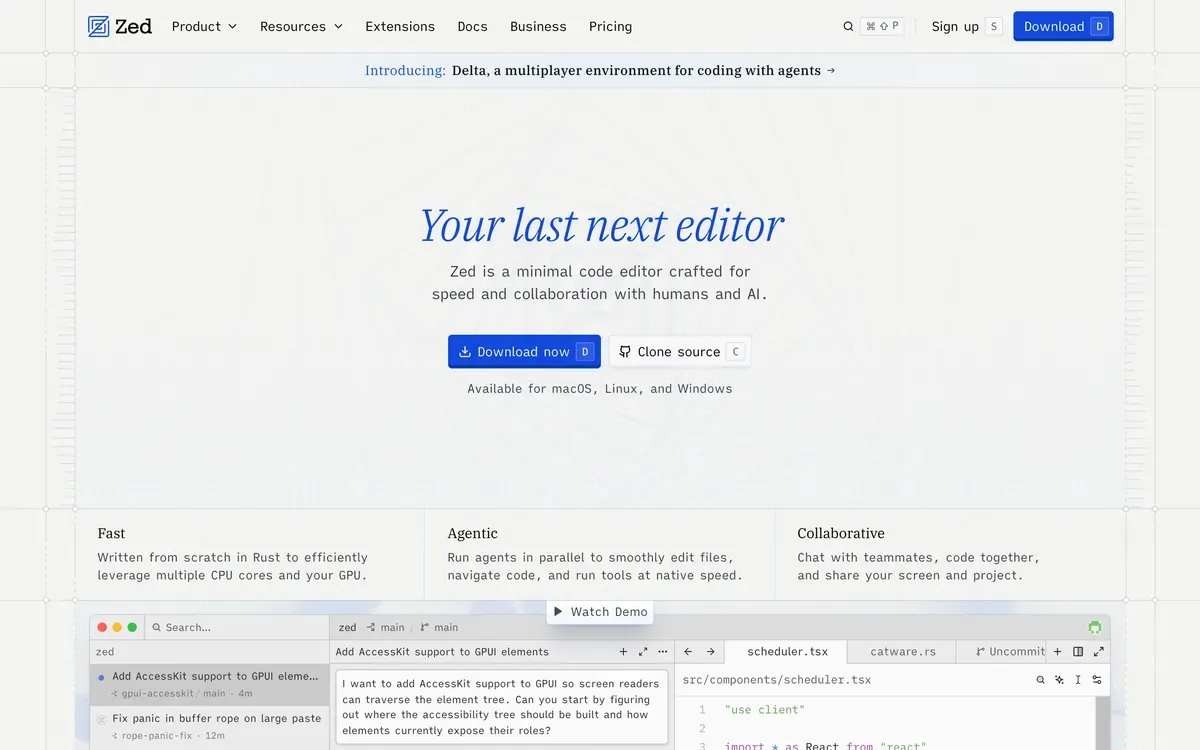 Zed product page.
Editor extensions
An extension lets you try an agent without moving your project to another editor. Check the exact integration you need. A product appearing in several marketplaces does not mean every editor has the same tools, permissions or release schedule.
Cline

Cline · open-source agent for editors and terminal workflows
Cline puts an agent in your editor with separate Plan and Act modes. You can discuss an approach before allowing it to edit files or run commands. Approval rules are configurable. Auto-approve can permit selected actions without another prompt. Cline IDE guide.
Model choice is a reason to consider it. You can bring provider credentials instead of tying your workflow to one bundled model subscription. That also makes cost and quality partly your configuration problem. An inexpensive model that needs many repair attempts may cost more per finished task than you expected. Watch a whole task, including the retries.
Cline offers a VS Code extension and advertises JetBrains support as early access. Check the specific editor’s availability and account requirements before assuming the two installations have identical terms. Supported editors.
The open-source version is free for individuals, with inference billed separately through your provider or Cline. Enterprise adds administration and support. The pricing page lists JetBrains among enterprise capabilities, which is another reason to verify access for your team.
Our internal discussion sample records 3,598 posts; 69% contain a complaint, with bug and crash reports running above the market median.
 Cline product page.
Continue

Continue, acquired by Cursor · open-source project, no longer actively maintained
Continue let developers configure an assistant around their own models, context and project rules in VS Code and JetBrains. It remains useful to understand because existing teams may still have its configuration checked into repositories. Its maintenance status is now the first thing a new user needs to know.
Continue has joined Cursor. The official website confirms the acquisition, and the repository README says the project is no longer actively maintained and is read-only. The Apache-2.0 source remains available. Available source and an actively supported product are different things.
For an existing installation, inventory the models, custom rules and integrations you depend on before migrating. Those choices often matter more than the chat interface. Test whether the replacement retrieves the same project context and follows the same instructions on a familiar task.
For a new deployment, treat Continue as code you would be responsible for maintaining, or as material for a fork. Do not build a purchase decision around old paid plans or assume that an installable extension will receive compatibility fixes. There is no reason to quote a historical subscription price as a current offer.
Our internal discussion sample records 450 posts, under a name that can match unrelated discussion.
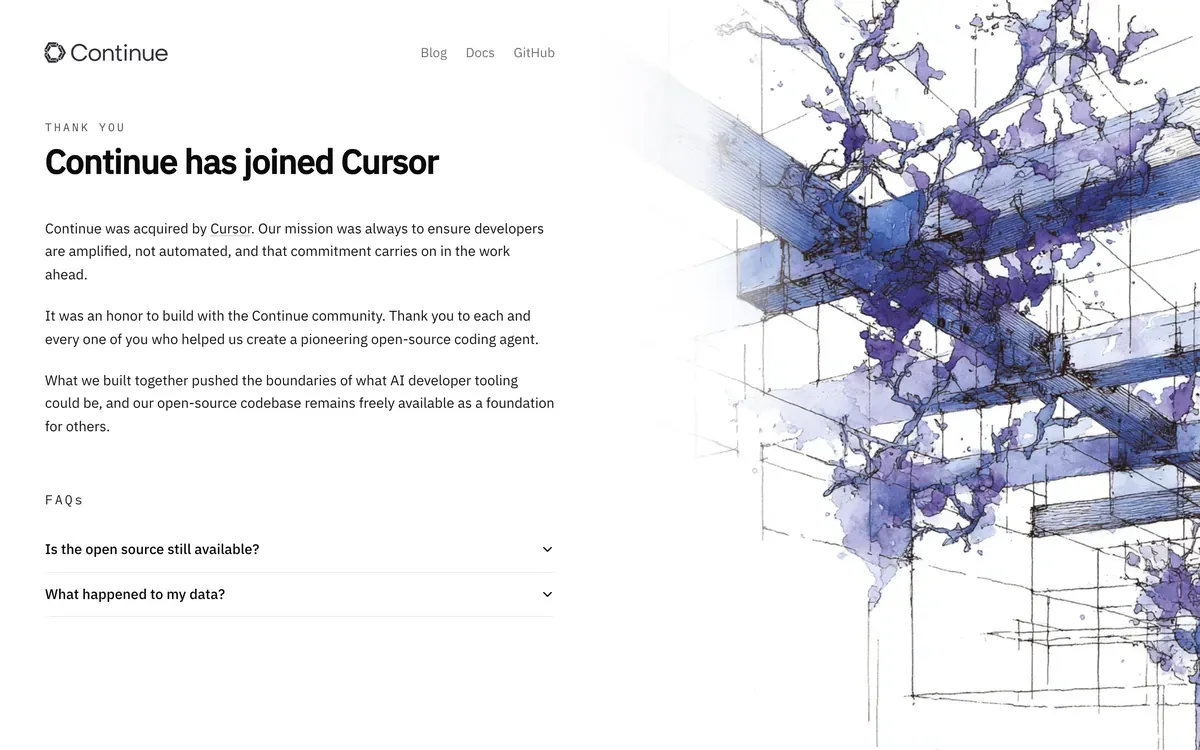 Continue product page.
GitHub Copilot

GitHub · editor assistance, terminal tools and cloud agent
Copilot covers several workflows under one name. In an editor, agent mode can inspect files, propose changes, run commands and iterate on errors. Copilot’s cloud agent works in a separate environment and can prepare a pull request. These require different kinds of setup and review. GitHub’s comparison.
The advantage is easiest to see on a team that already organises its work in GitHub. An issue can carry the task, a pull request can carry the proposed change, and the usual review process can remain in place. That reduces the amount of task history you have to copy into a separate application.
It does not make every supported editor equivalent. Confirm that your editor supports the agent tools you need, and check the cloud agent’s permissions and environment independently. Start with a ticket that names the affected behaviour, relevant tests and conditions for acceptance. A vague issue is still vague after assigning it to an agent. Cloud agent documentation.
Copilot has free, individual and organization plans. Model usage and feature access vary by plan. Use the current comparison rather than assuming an autocomplete allowance also covers cloud work.
Our internal discussion sample records 4,010 posts; 69% contain a complaint. It shows the largest net outflow of switchers of any tool we track, and 24% of the people leaving it name subscription cost as the reason.
 GitHub Copilot product page.
Kilo Code

Kilo, part of Anaconda · MIT-licensed agent with hosted services
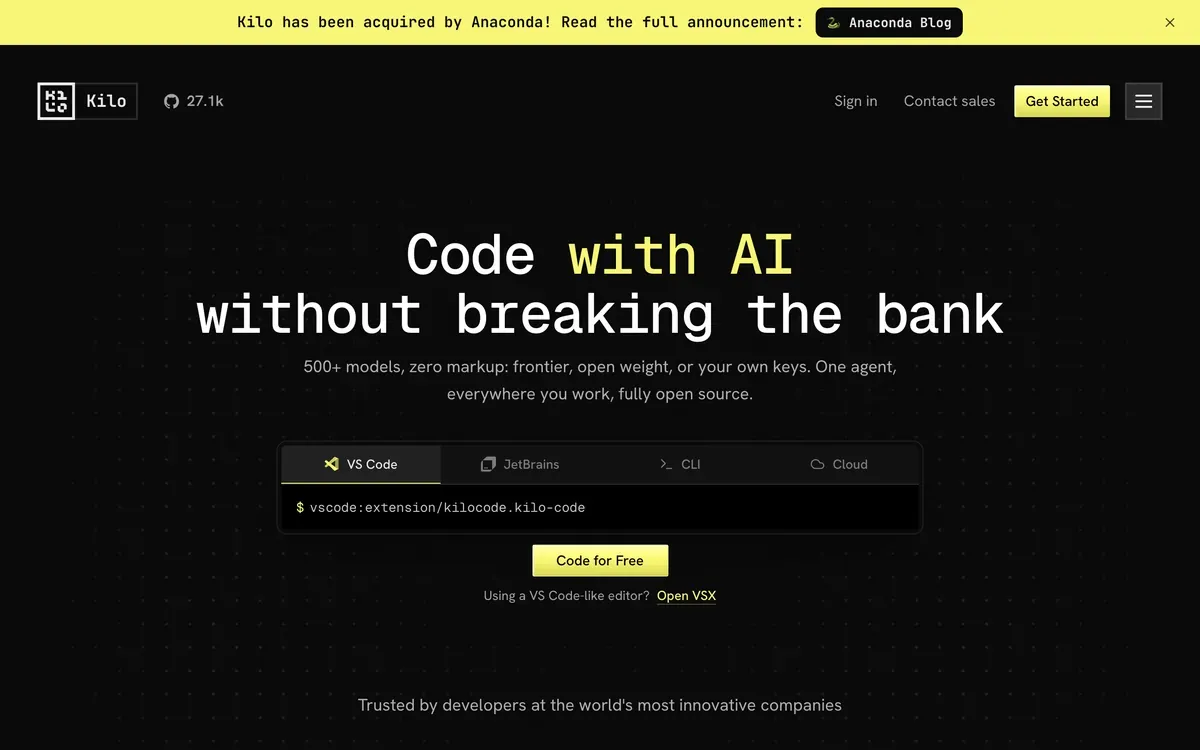
Kilo offers an open-source agent in VS Code, JetBrains, a CLI and the cloud. Code, Architect and Debug modes provide different starting instructions for different jobs. Its gateway offers model access, and it also supports your own keys and local models. Kilo overview.
The useful question is whether those modes improve how you organise a task. An architect can produce a plan and a coding agent can implement it, but you still need to check that the implementation follows the plan. Splitting a job between agents can introduce another place for requirements to get lost.
Kilo is now part of Anaconda. Both the product site and Anaconda’s announcement confirm the acquisition. The agent remains available as MIT-licensed source; the ownership change does not itself make inference or hosted compute free.
The pricing page separates the free client from usage and team services. Read the gateway’s inference charges, credit purchase terms and cloud compute charges together. A claim of zero inference markup describes one part of the bill, not necessarily the total cost of a remotely executed task.
Our internal discussion sample records 1,434 posts; 69% contain a complaint, with bug and crash reports the highest of the extensions we measured.
 Kilo Code product page.
Cloud and autonomous agents
Cloud agents work in remote environments and can return changes as pull requests. Many let you inspect progress or intervene during a run. The extra setup is worthwhile when you can hand over a well-defined task and review the evidence afterwards.
Augment Code

Augment · Context Engine, CLI and Cosmos cloud workflows
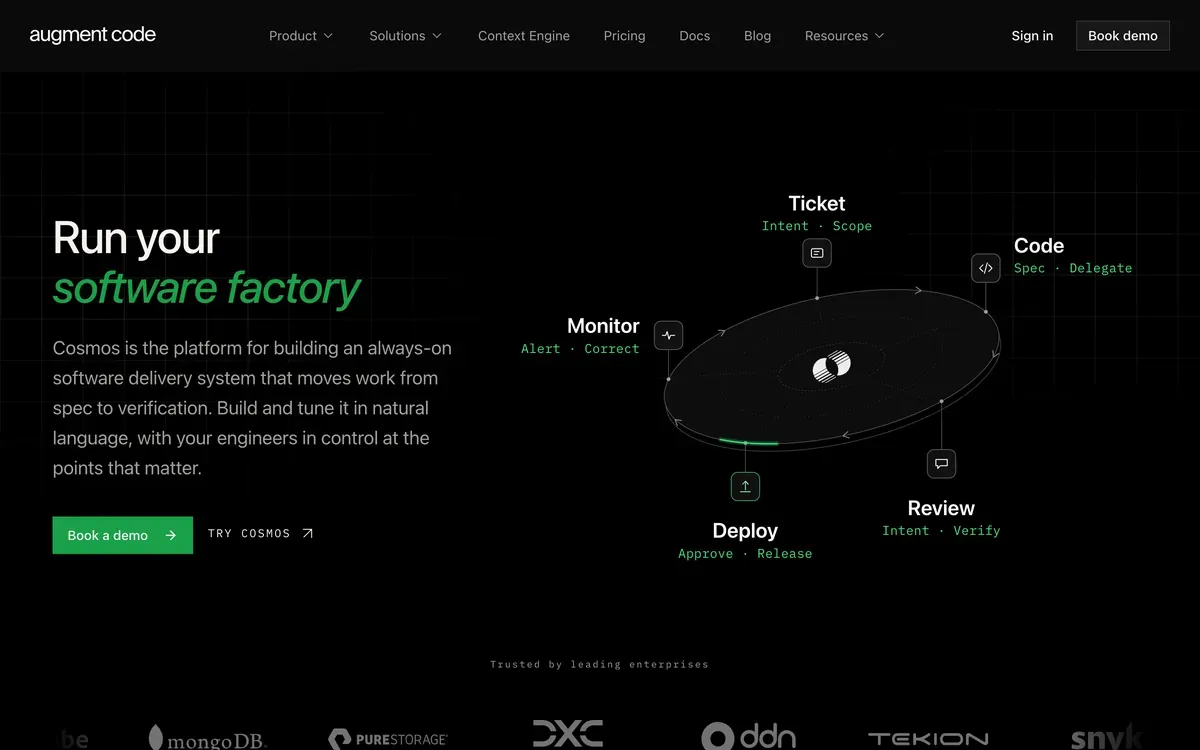
Augment’s Context Engine retrieves relevant code for agents working across a repository. The current product also includes Cosmos, a platform for coordinating development workflows such as ticket implementation, review and verification, plus a CLI. Augment overview.
Repository context matters when the answer spans several packages or depends on conventions that are absent from the open file. It is also testable. Ask the agent to trace a request through your own services and cite the files it used. Then ask about an exception you know exists. That tells you more than a claim that it understands the whole codebase.
Cosmos adds another evaluation question. Decide where a human should approve the work and whether the agent can reproduce your build environment. Connecting implementation and review workflows is useful only if the checks catch mistakes you care about.
Standard costs $20 per month and Business $100 per month, each covering up to 50 seats with the same dollar amount of included usage. Usage is pooled across the team. Model inference carries a 40% service fee; compute is a separate usage component. These are team prices, not per-seat prices or unlimited agent access. Augment pricing.
Our internal discussion sample records 903 posts; 70% contain a complaint, and it shows a net outflow of switchers, with subscription cost the single most-cited reason.
 Augment Code product page.
Blitzy
Blitzy · enterprise development platform
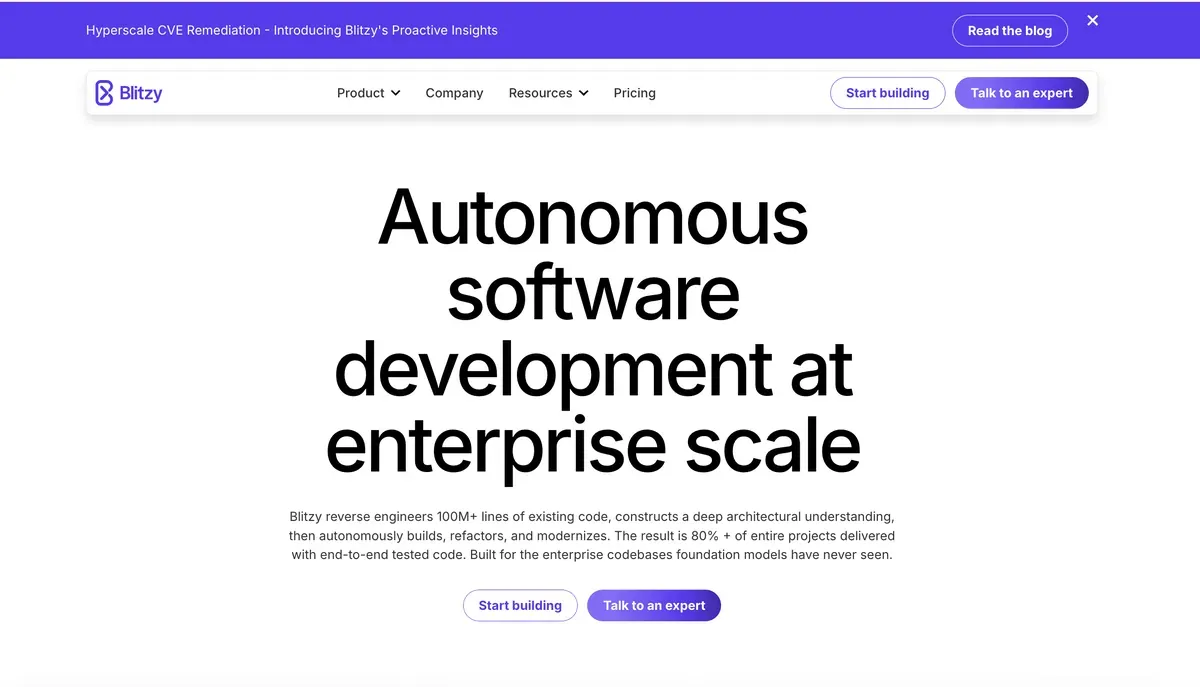
Blitzy targets larger development projects. It maps an existing codebase into a knowledge graph, then coordinates agents to implement and validate work against a specification. The vendor describes jobs that can run for days or weeks. Its delivery includes code, tests and an account of work still left for the team. Blitzy product overview.
Treat claims about autonomous completion as vendor claims, not as a substitute for evaluating a project. For a migration, define what must remain compatible and which tests prove it. Ask to see how the system handles an incomplete specification, a failed build and a change that spans repositories.
Its commercial model is different from an editor subscription. The site currently lists a free sandbox with allowances for reverse engineering and generation, a $50,000 concept validation engagement for two months and a $250,000 structured pilot for six months. Larger engagements have their own scope and deployment terms. Blitzy evaluation and pricing.
The practical constraint is the commitment involved in a long run. Before starting one, agree on review checkpoints, acceptable output, restart or cancellation behaviour and billing. Those details belong in the evaluation agreement, not in assumptions drawn from a demo.
Our internal discussion sample records 9 posts. That sample is too small to establish how much developers discuss the product elsewhere.
 Blitzy product page.
Devin
Cognition · cloud coding agent
Devin’s cloud agent works in its own development environment. You assign a task, follow its progress and review the resulting changes. Cognition now also offers local and terminal tools, but the cloud workflow remains distinct from using Devin Desktop as an editor. Devin overview.
A useful task has a clear endpoint. Updating a dependency, adding a missing test or implementing a well-described ticket gives the agent something concrete to check. A request to improve a service can leave too many decisions unresolved. That is a task-design problem before it is a model problem.
The remote environment is part of the product you are evaluating. Verify that it can install dependencies, run your tests and access the services needed for the task. A successful code edit without a working test environment leaves more of the investigation to the reviewer. Review the diff and execution evidence together.
Cognition’s pricing page covers free, individual and team options. Check the allowance for the kind of session you plan to run. Having access to the desktop app does not tell you how much cloud work is included.
Our internal discussion sample records 2,022 posts, and the lowest complaint rate of any tool we measured at 51%. Its most distinctive complaint is the gap between marketing and reality, at roughly 2.6x the market median.
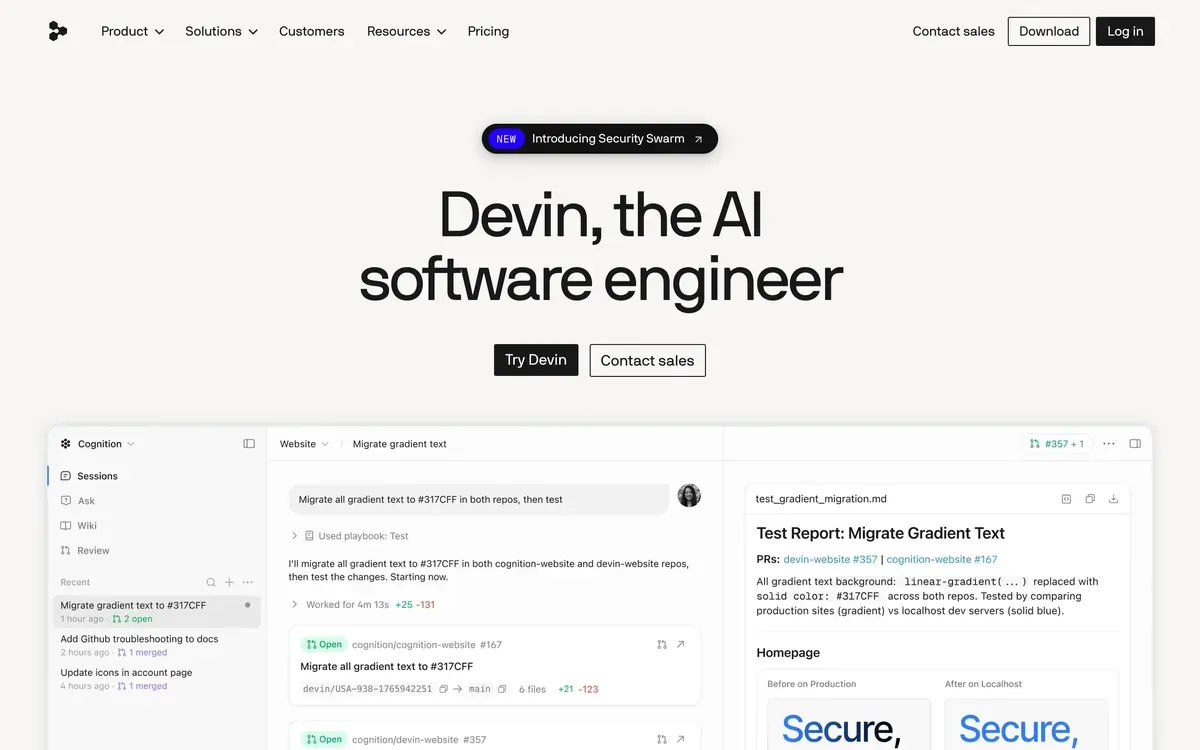 Devin product page.
Factory Droid

Factory · local and cloud agents with persistent compute options
Factory offers Droid through its app, CLI and SDK, with local and cloud work. Droid Computers are persistent environments that retain packages, files and configuration between sessions. You can use managed compute or register a machine you already control. Droid Computers documentation.
Persistence is a useful distinction. A project with a slow setup can benefit from keeping its environment ready, but that environment can also accumulate changes that are missing from the repository. Ask Droid to record setup steps and rerun a meaningful check in a clean environment before relying on the result elsewhere.
Bring Your Own Machine is relevant for teams whose dependencies live inside a private network or on an existing workstation. It changes where the work runs. It does not automatically answer every question about which model processes your code or what service handles the session.
Individual plans are Pro at $20 per month, Plus at $100 and Max at $200. Usage follows rolling limits, and extra usage has separate terms. Compare those rules with compute requirements before estimating a monthly bill for unattended work. Factory individual plans.
Our internal discussion sample records 121 posts.
 Factory Droid product page.
Jules

Google · asynchronous agent for GitHub repositories
Jules is Google’s asynchronous coding agent for GitHub repositories. It clones a repository into a virtual machine, installs dependencies and works on a task. The standard flow lets you review a plan before code changes begin. You can supply an environment setup script, and Jules reads a root AGENTS.md for project guidance. Getting started with Jules.
That makes setup part of the assignment. If a test needs a database or a generated file, describe how to prepare it. Otherwise, an agent can spend its session discovering requirements your local machine already satisfies.
Jules also supports recurring tasks. The current documentation says an existing schedule cannot be edited, so changing it requires deleting the task and creating a replacement. That is a small detail, but it matters if you are planning routine maintenance. Scheduled tasks.
Google offers free access and higher limits through paid Google AI plans. Check the current task and concurrency allowances through the Jules website. Use a small repository task to establish whether the output is worth reviewing before scheduling repeated work. More concurrent jobs can simply create a larger review queue.
Our internal discussion sample records 453 posts.
 Jules product page.
App builders
App builders combine code generation with previews and deployment services. Some can import or synchronise repositories, so they do not always require a fresh project. Their main appeal is that they help you get an application running without first assembling the development and hosting setup.
Bolt.new

StackBlitz · browser development environment and app builder
Bolt gives you a development environment and live preview in the browser. Its WebContainers technology runs a Node.js-compatible environment on your device. That describes the development runtime, not local model inference or a promise that a deployed application needs no server. Bolt’s runtime troubleshooting guide.
The runtime has practical boundaries. Bolt focuses on JavaScript web technologies. Browser support and available device memory can affect whether a project starts successfully, so a browser tab should not be treated as an unrestricted cloud machine. Supported technologies.
For a new web app, the short loop between describing a change and seeing it run is the appeal. Test beyond the first screen. Create a second user, refresh a deep link and check what happens when a request fails. Those ordinary interactions reveal gaps a polished preview can hide.
Free access includes daily and monthly token caps. Pro starts at $25 per month billed monthly with 10 million tokens; Teams starts at $30 per member per month billed monthly. Paid tokens roll over for one additional month, and team token allocations are not pooled. Bolt pricing.
Our internal discussion sample records 211 posts.
 Bolt.new product page.
Lovable

Lovable · web app builder with managed backend services
Lovable builds web applications through conversation, with visual editing and managed services for running them. You can use Lovable Cloud or connect a Supabase backend, and GitHub synchronisation gives you a way to work on the code outside the builder. Lovable and hosting options.
The managed backend is a major part of the convenience. It is also part of any future migration. Moving source code to GitHub does not move a database, authentication configuration or stored files. Lovable documents alternatives for these services; read that path before making a portability promise to a client.
A worthwhile trial includes a permission boundary. Create two users and check that each sees only the records they should. It is a better test of a full-stack builder than judging the landing page alone.
Lovable charges by workspace credits, with shared balances and free grants. Building, hosting and in-app AI can consume credits, and credit value depends on the plan and feature. The number of invited members does not itself determine the subscription price. Use the pricing explanation to estimate both development and running costs.
Our internal discussion sample records 1,616 posts.
 Lovable product page.
Replit Agent

Replit · agent, cloud development environment and hosting
Replit combines an agent with a hosted development environment and services for publishing applications. Database, authentication and hosting are available in the same platform. You can move from a prompt to a running app without assembling those services separately. Replit overview.
That is useful for a prototype or an internal tool whose author also needs somewhere to run it. It changes the decision for an established repository. Check whether its dependencies, deployment requirements and data services fit Replit before moving the project there. The convenience comes partly from adopting the platform around the agent.
An agent finishing its coding task and an application being ready for users are separate milestones. Try an invalid input, a failed external request and a user without permission. Check that you can inspect logs and recover the data you need. These are practical acceptance checks for the app you are building, not promises made by the builder.
Replit currently lists a free Starter option, alongside Core, Pro and Enterprise. Paid allowances and deployment costs need to be read together. The pricing page is the right place to compare monthly and annual billing.
Our internal discussion sample records 978 posts.
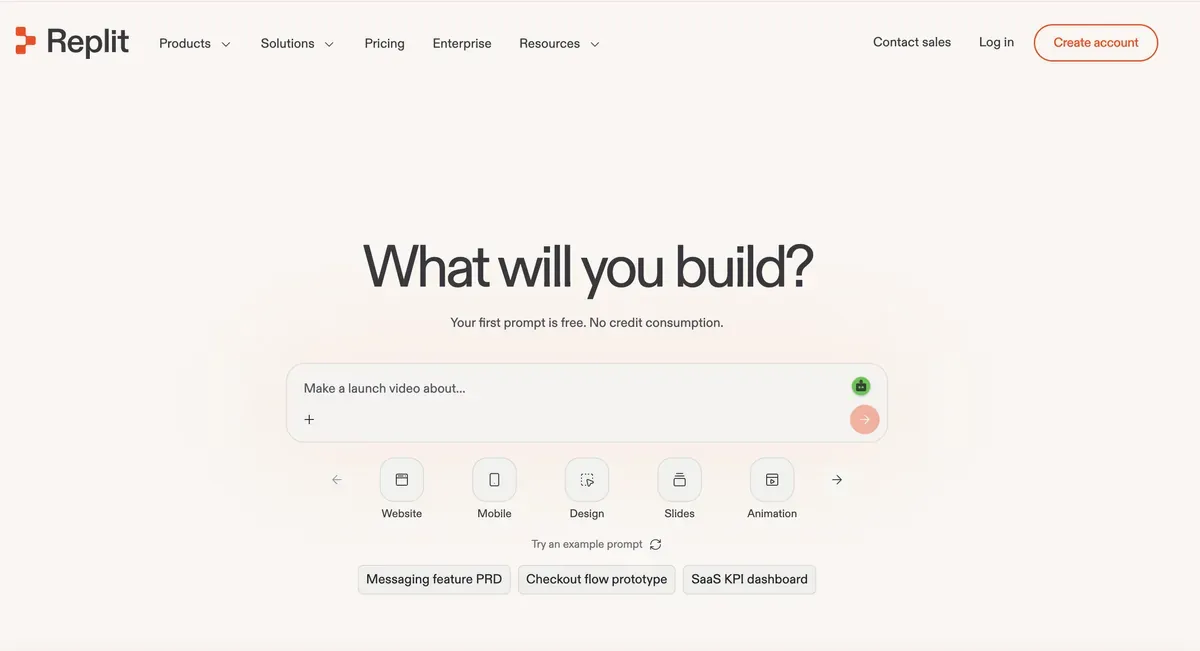 Replit Agent product page.
v0

Vercel · web app generation and deployment
v0 can generate full-stack web applications, including backend endpoints using Next.js conventions. It supports prompts, visual references, code editing and deployment to Vercel. The scope extends beyond generating a visible interface. v0 documentation and full-stack app guide.
Its React and Next.js workflow makes it a natural candidate when that is already your stack. For an existing application, start with one route or component and check how the generated code fits your routing, data access and design conventions. A working preview does not establish compatibility with the rest of your app.
GitHub import and synchronisation help you bring code into a normal review process. They also give you something concrete to evaluate. Read the generated data fetching, error handling and server-side checks, as well as the visible layout. v0 FAQ.
Use the current v0 plans for generation allowances and team access. Include deployment and connected service costs in your budget. The price of creating an application and the price of serving its users answer different questions.
Our internal discussion sample records 72 posts.
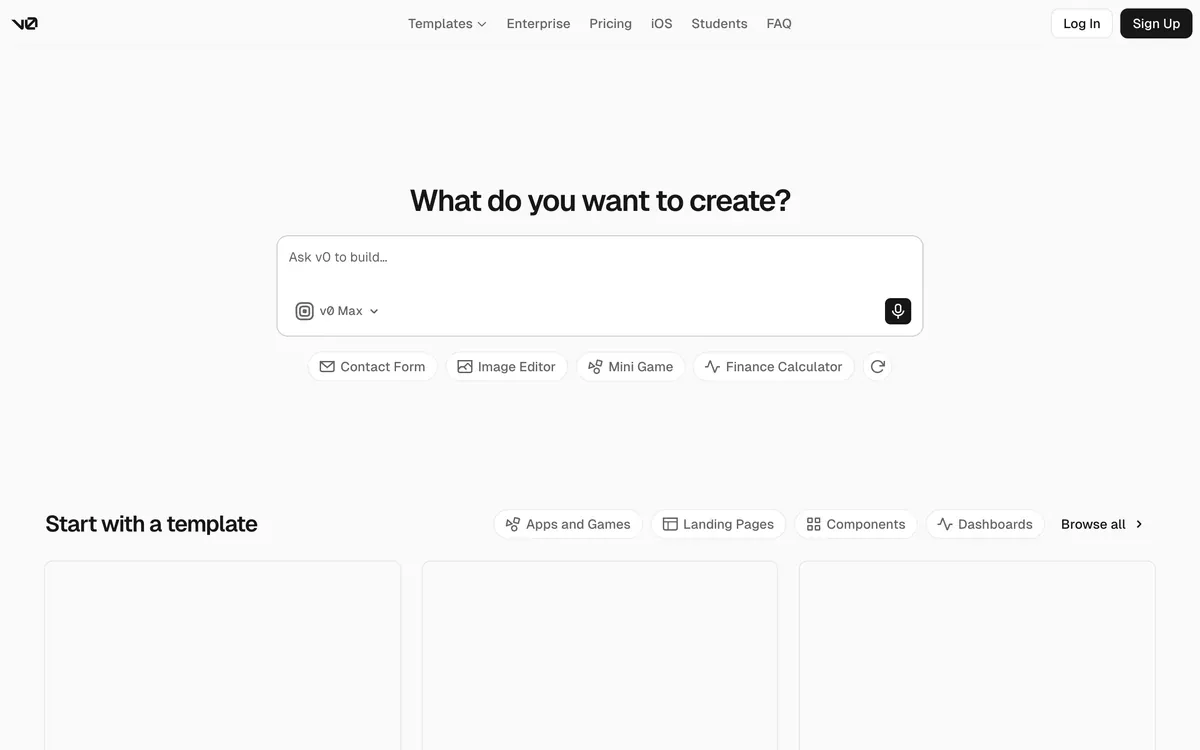 v0 product page.
Models, openness and team controls
“Can I run it locally?” needs a longer answer than a yes/no column allows. A local editor can call a hosted model. A self-hosted server can send traces elsewhere. A cloud interface can control a process on your laptop.
Start by drawing the path of one request. Where does the prompt go? Which files enter the model context? Where do shell commands run? Where are transcripts stored? Then repeat the exercise for search, indexing, plugins and connected tools. These are separate paths, and a setting that changes one may leave the others untouched.
| Term | What it tells you | What you still need to establish |
|---|---|---|
| Local execution | Commands run on a machine you control | Whether prompts, code or logs leave that machine |
| Local inference | A model server you control handles model requests | Whether other features use remote services |
| Bring your own key | You provide credentials for a supported model service | Which features use that key and which use vendor billing |
| Self-hosting | You operate a specified component | Whether the whole product can operate without the vendor |
| Open source | The identified code has an open-source licence | The terms for other components, model weights and hosted services |
| Team plan | A vendor sells shared administration or billing | The actual controls, their scope and which tier includes them |
Model choice is a compatibility question
A provider list is a starting point. For a useful coding session, the model needs to handle the agent’s tool format, fit enough context and produce edits the runtime can apply. Connecting an endpoint successfully does not prove those things work well together.
OpenCode, for example, documents both hosted and local model configuration and distinguishes models by their capabilities. That is more informative than a claim that a client supports “any model”. Test the specific model, quantization and server configuration you plan to use. OpenCode model documentation.
The same caution applies to cockpits. The underlying agent might accept a custom provider while the UI exposes only selected configurations. Check whether you can select the provider, authenticate, change models and recover a session through that client. A logo in an integrations list answers none of those questions by itself.
Subscription access also needs its own check. A subscription for one vendor’s app is not automatically permission to reuse that account through every third-party client. Follow the supported authentication route for the agent you choose.
Separate working directories are useful, but they do not contain a process
Git worktrees let one repository have multiple checked-out working trees. This helps when two agents need different branches or when you want to preserve an experiment while starting another. Git worktree documentation.
The files are separate; the processes may still share your user account, network access, credentials and local services. Two worktrees can also try to start a server on the same port or run migrations against the same development database. Plan those resources as well as the branches.
A sandbox addresses a different concern by restricting what a process can access. Its usefulness depends on the actual filesystem and network rules. A container with sensitive directories mounted and broad credentials inside it still gives an agent access to those resources.
For a concrete example of controls available inside an agent, Claude Code documents permissions, sandboxing and managed settings. These controls belong in the evaluation of the agent itself; you do not necessarily need a separate governance product to obtain them. Claude Code security documentation.
A shared password is not a team identity system
A password on a remote workspace can limit who opens it. It does not identify each person’s actions, revoke one person’s access independently or assign different permissions by role.
For a team rollout, ask the vendor to demonstrate a real sequence: invite a developer, restrict their repositories, inspect their usage, revoke their access and retrieve the relevant audit events. Establish whether those controls cover local clients, cloud runs, model credentials and connected tools. An enterprise label alone does not tell you that.
Tools that changed or stopped shipping
An old name in a tutorial can send you to a different product from the one its author used. These changes are worth knowing because they affect installation, migration or support. An acquisition by itself says little about the quality of the current agent.
| Product | Verified change | What to do with that information |
|---|---|---|
| Aider | PyPI lists v0.86.2 from 12 February 2026, later than the v0.86.0 GitHub release often cited in older guides. Package history | Check the distribution channel you use before declaring a project inactive |
| Roo Code | The repository was archived on 15 May 2026; its README says the extension shut down on 15 May. Repository notice | Treat it as a migration decision, and evaluate a maintained alternative or fork separately |
| Windsurf | The editor became Devin Desktop on 2 June 2026. September’s changelog also records the removal of Cascade in favour of Devin Local. Changelog | Follow current Devin Desktop instructions rather than assuming an old Cascade tutorial still applies |
| Amazon Q Developer IDE plugins | AWS gives 30 April 2027 as their end-of-support date and points users toward Kiro. AWS notice | Plan for the IDE plugin transition; the notice should not be broadened into a claim that every Amazon Q service is closing |
| Cursor | Cursor announced that its acquisition by SpaceX had completed on 14 August 2026. Company announcement | Use current ownership information for procurement; evaluate product behaviour separately |
| Kilo Code | Anaconda announced its acquisition in July 2026. Company announcement | Check current Kilo documentation, licensing and commercial terms |
| Continue | The site says Continue has joined Cursor, and the repository says it is no longer actively maintained. Project site and repository | Existing installations may remain useful, but account for who will maintain them |
There is another trap in release comparisons. A CLI tag, an editor release, a website deployment and a changelog entry are different units. Counting them together produces a precise-looking number with no stable meaning. For a tool you depend on, read what changed and whether it affects your installation.
What AI coding agents cost in 2026
The advertised subscription is only one part of a useful comparison. Write down the complete bill for the workflow you intend to run.
| Cost | What to look for |
|---|---|
| Client or workspace access | A subscription, seat charge or free software licence |
| Model usage | Included allowance, provider billing, credits, caching rules and overage settings |
| Execution | Local hardware, remote workspace time or task compute |
| Application hosting | Deployments, databases, storage and traffic after an app builder finishes |
| Human work | Setup, supervision, review, corrections and later maintenance |
Not every product charges every row, and some combine several rows into one allowance. That is why two plans at the same monthly price can support very different amounts of work.
Model choice affects cost. So do the amount of context sent, the length of the output, repeated attempts and parallel sessions. An agent that reads a large file repeatedly can consume more than one that finds the relevant function early. Caching may reduce part of that bill, depending on the provider. Claude Code’s cost guide gives concrete examples of how context and agent behaviour affect usage. Cost documentation.
When testing a subscription, find out what happens at the limit. Does work pause, fall back to another model or continue with extra charges? Can an administrator cap spend? Do unused credits expire? Can cloud execution continue after you close the app? Those answers matter more than a low entry price you reach only by paying for a year upfront.
A simple calculation helps keep the comparison honest. Suppose a trial uses $30 of service credit and produces six changes you accept after review. That is $5 of service spend per accepted change. If four of those changes required substantial repairs, record the repair time too. This is an illustrative calculation, not a benchmark, but it measures something your team can act on.
Avoid using generated lines of code as your own productivity measure. A deletion can solve a problem; a thousand new lines can create one. Even when a vendor bills by code volume, evaluate the result by whether it meets the requirement and remains maintainable.
What to check before you commit
The most informative trial is a small piece of your own work. Pick a task whose correct outcome you can judge, then watch how the tool gets there.
Give candidates the same starting point
Use the same repository revision and written task. Include the relevant constraints, the command that reproduces the problem and the checks you expect to pass. Keep credentials and permissions comparable.
Start with a real bug or a modest feature. A blank-page demo tells you little about whether an agent respects an existing architecture. Conversely, an enormous migration makes it hard to distinguish a tool problem from an underspecified task.
Here is an example brief you can adapt:
The settings form loses its saved value after a page refresh. Reproduce the failure and trace how the value moves between the form, API and storage. Fix the cause, keep the existing API shape and add a regression check. Explain what you changed and which checks you actually ran. Leave the changes available for review.
The brief names the behaviour and constraints without prescribing a guessed fix. During the trial, note how much extra explanation you need to provide. That is part of the cost of using the tool.
Inspect the work before reading the victory speech
An agent’s final message is an account of its work. The diff and execution results are the evidence.
Check whether the change solves the original problem, whether tests still assert the intended behaviour and whether unrelated files changed. Run the relevant checks yourself when the result matters. If the agent could not run something, a clear explanation of the missing dependency is more useful than a vague claim that everything looks good.
Try one follow-up that changes a requirement. Does the agent update the existing solution or pile another implementation beside it? Then ask it to explain a decision in the diff. You are testing whether the workflow supports continued development, not just a first attempt.
| Record during the trial | Why it matters |
|---|---|
| Setup and environment failures | Work cannot start until dependencies and services are available |
| Clarifications and interventions | They reveal how much attention the task required |
| Actual checks run | They separate verified behaviour from confident narration |
| Unrelated edits and weakened assertions | They reveal cleanup work hidden by a successful demo |
| Usage and elapsed time | They expose resource cost and latency |
| Review and repair time | They show how much work remains before you can accept the change |
A few tasks will not establish a universal winner. They can still rule out a poor fit for your repository and expose problems a feature table will miss.
Test stopping and recovery
Interrupt a noncritical task. Confirm which process stopped and which files changed. Close and reopen the client. Check whether you can resume the session, recover the diff and identify commands that were still running.
For parallel work, give agents tasks with a clear boundary. Splitting unrelated changes can help. Assigning several agents the same shared files can create coordination and merge work that consumes the time you hoped to save.
For remote work, deliberately test an ordinary interruption such as a dropped connection. Establish whether execution continues on the host, whether reconnecting restores the conversation and whether a failed client connection can leave billable compute running.
Check access before a team rollout
Use development credentials for a trial and give the agent the access the task needs. Inspect the shell environment, connected services and repository secrets. Removing a secret from the prompt does not help if a command can read it from disk.
Keep deployment and production database access separate from ordinary code editing where your workflow allows it. Review untrusted repository instructions and connected tool responses as inputs that can influence an agent. Permissions reduce the consequences of a mistake; they do not prove the model will make the right decision. Claude Code security guidance.
What our internal research recorded
The internal research combines developer discussion, reported switching decisions, funding announcements and release monitoring. They describe the collected material, not the entire market.
Discussion and changing vocabulary
The collection contains 271,830 Reddit threads with 9.94 million comments across 33,438 subreddits, plus 26,570 Hacker News posts from 2024 through August 2026.
Within that collection, Claude Code was the most-discussed coding tool in 2026. In the Hacker News sample, it appeared in more posts that year than Codex, Cursor and Copilot combined. This is a result about the sample’s attention, not evidence of which tool has the most users.
The vocabulary changed too. Posts mentioning “vibe coding” peaked at 283 per quarter, then fell to an estimated quarterly rate of about 70 based on July and August 2026. References to “coding agent” and “coding agents” rose from 17 in 2024 to 1,648 in 2026 through the collection date. The research groups references to subagents, parallel work, background work and multi-agent systems together, reporting counts of 4, 128 and 376 across its successive periods.
MCP appears in 6,109 posts in the Hacker News collection, making it the second-largest recorded topic after Claude Code. Topic counts depend on how the researcher matched and grouped terms; they are not a count of installations or active users.
The research estimates that AI coding grew from 0.5% of the Hacker News stream in early 2024 to 7.8% in February and March 2026, then settled at 5.0% to 5.5% through the summer, around 1,600 posts per month. A topic can occupy a smaller share of a growing stream while still receiving substantial discussion.
Complaints and switching
The profile percentages measure posts containing at least one complaint in the labelled subset. They range from 51% for Devin to 85% for Antigravity. They do not measure the share of users who are dissatisfied or the percentage of tasks that fail.
The migration analysis records the largest net inflow toward OpenCode, followed by Codex, and the largest net outflow from GitHub Copilot, followed by Windsurf. Cursor and Augment also show net outflows. Cost and quota complaints recur in the reported reasons. These are switching accounts found in the dataset, not measured changes in product market share.
The complaint analysis puts incorrect or buggy code at about one in ten posts that contain a complaint. It reports a falling share for that issue since 2024 and a rising share for review and maintenance burden. Generating a patch and accepting it into a maintained codebase are different parts of the job.
The research also records accounts of an agent exposing production credentials from a .env file in a log sent to a third-party aggregator, and another retrieving a third-party API key from a database. They illustrate the kinds of access to inspect, but do not establish how often those events occur.
Funding
The funding collection contains 136 rounds across 106 companies, totalling $15.49 billion. The researcher says the rounds were extracted from primary announcements and deduplicated by company.
| Segment or period | Rounds | Recorded funding |
|---|---|---|
| Coding agents | 41 | $6.71 billion |
| AI IDEs | 7 | $4.38 billion |
| Entire collection | 136 | $15.49 billion |
| 2026 through the collection date | Not specified | $6.7 billion |
| Second quarter of 2026 | 22 | $4.77 billion |
Coding agents and AI IDEs together account for approximately 72% of the recorded total. The dataset identifies Anysphere’s $2.3 billion round in November 2025 and $2.0 billion round in April 2026 as its two largest rounds.
Release activity
The internal monitor recorded 711 changelog entries across 35 vendors between 15 July and 17 August 2026. The table lists counts by tool and release channel. A changelog entry may describe one small update or several changes, so these counts do not measure engineering output or reliability.
| Tool or release channel | Recorded changelog entries |
|---|---|
| Qwen Code | 75 |
| Orca | 67 |
| Codex CLI | 56 |
| Trae | 54 |
| Augment Code | 38 |
| OpenClaw | 37 |
| Copilot CLI | 34 |
| Lovable | 26 |
| Kilo Code | 25 |
| Cline | 23 |
| Claude Code | 21 |
| Paseo | 20 |
| OpenCode | 19 |
| T3 Code | 19 |
| Amp | 18 |
| Zed | 16 |
| Replit | 15 |
| Bolt.new | 14 |
| Conductor | 8 in the original profile; 13 in the chart |
| OpenHands | 13 |
| Factory Droid | 13 |
| Devin | 12 |
| Cursor | 11 |
| Antigravity | 9 |
| Jules | 1 |
Conductor has different counts in the profile and chart. The original chart also lists zero for Aider, although the methodology says the monitor did not cover Aider. That zero cannot establish that Aider shipped nothing in the period.
OpenChamber’s separate count is 10 stable GitHub releases in the same window. It comes from a different source and unit, so it should not be ranked against the changelog counts above.
A second internal check covers the fourteen days through 14 September 2026. Of 21 tools with public GitHub release feeds, it records 18 with a new stable release, 78 stable releases in total and 16 tools with more than one. This is a different sample and interval from the 35-vendor monitor.
What the product changes tell us
The most useful development across these tools is the ability to choose where work happens. A terminal session, an editor and a cloud task increasingly share parts of the same product family. That gives you more ways to hand off work, but also more settings to understand. The product name alone may no longer identify the execution environment.
GitHub’s documentation, for example, distinguishes its cloud agent from agent mode in an editor. The cloud agent works in a separate environment and proposes repository changes through pull requests. That is a different interaction from watching local edits happen beside your cursor. GitHub cloud agent documentation.
External agent connections also make the editor choice less tightly tied to one runtime. ACP is one mechanism behind that separation. It does not make every integration equivalent, but it gives you a concrete compatibility question to ask before switching editors. ACP introduction.
The difficult part remains the handoff back to a person. Can you see the relevant changes without reading every tool call? Can you reproduce the result? Can a teammate continue the work? Those are the details we would weigh heavily after a tool has passed the basic capability test.
Frequently asked questions
Which AI agent is best for coding?
Choose a shortlist from the workflow you need, then run comparable tasks on your repository. This guide does not establish a best-performing agent. A product can have the right features and still require too much supervision for your work.
What is the difference between an assistant and an agent?
An agent can choose and execute a sequence of tool actions, using each result to inform the next step. An assistant may simply explain or suggest code, although products often offer both modes. Review can happen during the task as well as at the end. Agents do not inherently commit or publish every change they make.
Is a free agent really free?
Free software removes the client licence fee. It does not pay for a model API, remote compute or your own hardware. A commercial free tier usually has separate usage limits. Check the profile’s cost explanation and the linked plan before assuming either option covers your workload.
Can I use a local model?
Several runtimes in this guide document local model support. That makes them candidates for a local setup, not a guarantee that every model or frontend will work. Verify tool calling, context capacity, provider configuration and any other network-dependent features in the exact setup you intend to use.
Does open source mean I can self-host everything?
No. The repository may cover a client or core runtime while the hosted service uses additional components. Check what the licence covers and whether the installation guide explains how to operate the features you need. Source availability and an open-source licence are also different claims; Crush’s profile explains one example.
Which agent should I try on a large codebase?
Look at how it finds relevant code, handles cross-package dependencies and recovers after context is compressed. Ask it to trace one behaviour across the repository before giving it a broad rewrite. A large context window is useful only when the right information reaches it and the agent uses that information correctly.
Does ChatGPT have a coding agent?
OpenAI’s coding agent is Codex. The Codex CLI profile explains the local client and links to official documentation for its interfaces and access options. Distinguish your ChatGPT plan allowance from API billing when choosing how to sign in.
Can an agent produce production-ready code?
It can produce code you decide to ship after review and validation. The label “agent” supplies no assurance about correctness, security or maintainability. Apply the checks the change requires, including migration and rollback planning when relevant. A passing test suite covers what those tests exercise, not every possible consequence.
Is it safe to use an agent on a production repository?
Working on a local copy of production code and granting access to a live production system are different decisions. Establish the agent’s file, network and credential access before running it. Use review and release controls appropriate to the change, and avoid treating a separate branch as a security boundary.
How often should I recheck this guide?
Recheck the product’s own documentation when installing it, changing plans or depending on a new integration. Read migration notices before upgrading a setup you rely on. A date on a comparison article cannot guarantee that today’s release, entitlement or price matches it.
Methodology and limitations
We reviewed vendor documentation, public repositories, licence files, pricing pages and selected change announcements for this revision. Links appear beside the relevant profiles and claims so readers can inspect the underlying source.
This is a documentation review. It is not a controlled performance test, a security audit or a measure of adoption. Vendor descriptions establish what a product advertises or documents; they do not independently establish reliability, speed or savings. Practical evaluation suggestions in this guide are our editorial judgement.
We do not turn discussion counts or complaint percentages into product scores.
Two counting methods appear in the profiles. Labelled post counts and complaint rates come from a classified subset. Mention counts come from a name-match scan of the full Reddit collection dated 1 September 2026. The cockpit profiles mainly use the latter because classification coverage was limited there. OpenClaw’s complaint percentage comes from the labelled subset. These methods cannot be compared as if they sampled the same posts.
Common names such as Cursor, Orca, Amp, Pi, Crush, Goose, Continue and Conductor can match unrelated discussion. Counts under those names need disambiguation before supporting precise comparisons. A missing complaint percentage means the original research did not report a stable estimate for that tool; it does not mean there were no complaints. Paseo’s separate mention in a 408-person user survey answers a different question from the public-discussion scan.
The release monitor’s 35-vendor set differs from this guide’s 36 profiles. The original methodology says it also follows Amazon Q Developer, Emdash, Qodo and Warp, and does not follow Aider, Blitzy, CodeNomad, Kiro or OpenChamber. Its recorded changelog entries are distinct from stable GitHub releases.
The 36 profiles include a maintenance warning for Continue and an explicit explanation of OpenClaw’s broader scope. The list is not exhaustive. Dedicated review tools, security scanners and CI systems are outside its main focus.
Exact prices appear only where the linked public information supports them. A quoted plan price is not a quote for your organization, and an advertised capability may depend on platform, version, account or deployment. Absence of a feature from a profile should not be read as proof that the product lacks it.
If you find an error, include the product name and the primary source that corrects it when sending feedback. That makes the claim easier to verify and update.
About this guide
This guide is published by the OpenChamber team. OpenChamber is our product and appears among the cockpits, with that relationship stated in its profile. The list has no product scores or ranked placements. Our own profile has no complaint percentage because the original labelled sample did not cover it sufficiently; its release count also uses a different source from the monitor. Those limits matter when reading our product alongside competitors.
To cite this version: OpenChamber Team, AI coding agents in 2026: a practical guide to 36 tools, reviewed 14 September 2026.
Product names and logos identify the tools discussed. Screenshots illustrate their public pages and may show an earlier version than the current documentation.